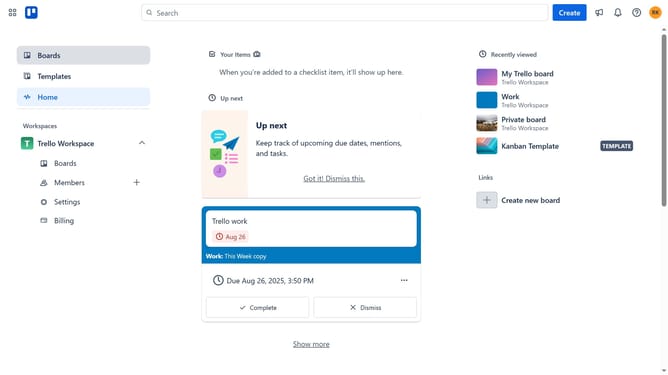
How to mark a card as complete in Trello
Here is how to mark a card as complete in trello
- First click on the "Boards" option in the left sidebar
- Then click on the board that has a card you want to mark as complete in the workspace section
- Next click on the the card you want to mark as complete
- Finally click the circle next to the card title to mark the card as complete
Why should you mark a card as complete in Trello
Trello is a flexible and intuitive project management tool designed to streamline your workflow and enhance productivity.
The ability to mark a card as complete in Trello offers users a significant advantage in managing tasks seamlessly. This feature is a key ingredient to keeping projects organized and visually tracking progress effectively.
Being able to check off tasks provides a tangible sense of achievement, reinforcing motivation and efficiency in team collaboration. Marking cards as complete not only declutters your workspace but also provides visual cues that help in prioritizing upcoming tasks with greater focus.
Last update