How to add card duplicator power-up in Trello
Here is how to add card duplicator power-up in trello
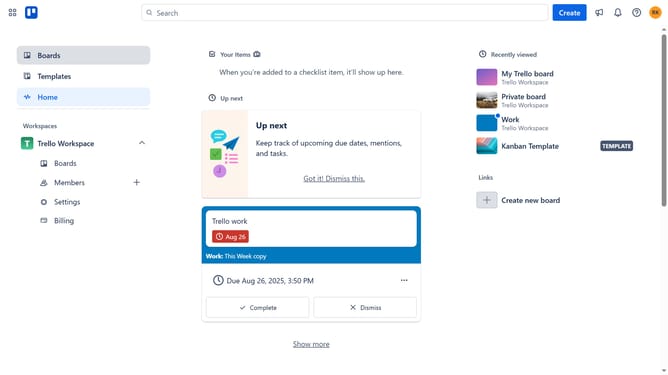
- First click on the "Boards" item in the left sidebar
- Then click a board in the workspace area
- Click on the "More" button (three dots) in the top right corner of the board
- Select "Power-Ups" option from the dropdown menu
- Click on the "File management" category in the left sidebar of the Power-Ups window
- Click the "Add" button under the "Card Duplicator" power-up in the file management section
- Finally click the "Add" button in the Card Duplicator details dialog to install it
Why should you add card duplicator power-up in Trello
Trello is a versatile tool designed to enhance project management through intuitive boards and cards.
The card duplicator power-up in Trello is a game-changer for efficiency and organization. It allows users to quickly replicate existing cards, maintaining consistency in tasks that require repetitive setups.
This feature is invaluable for teams managing recurring projects or workflows, ensuring no detail is overlooked. By simplifying the process of replicating content, users save time and reduce manual errors, allowing teams to focus on more strategic tasks.
Last update