How to add attachments transfer to google power-up in Trello
Here is how to add attachments transfer to google power-up in trello
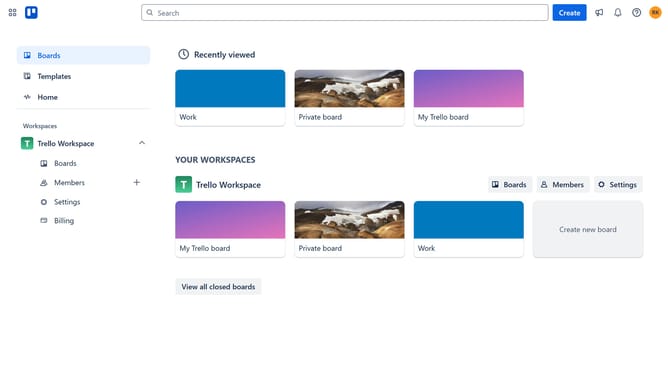
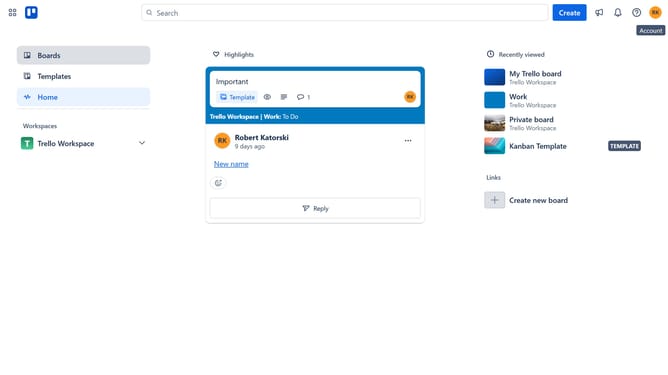
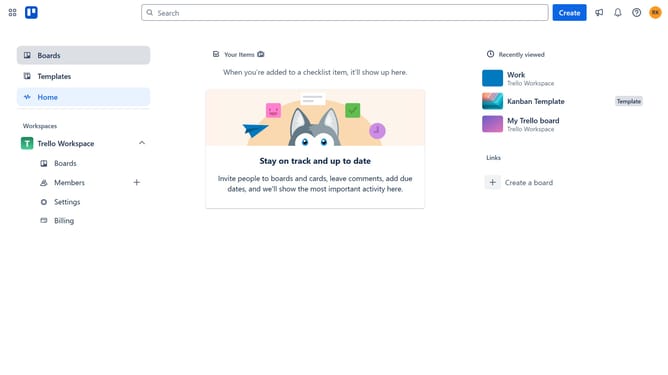
- First click on the "Boards" option in the left sidebar menu
- Then click a board in the workspace section
- Next click on the "More" menu (three dots) button in the top-right corner
- Then click on the "Power-Ups" option in the dropdown menu
- Next click on the "File management" category in the left sidebar
- Then scroll down in the file management list
- Next click on the "Add" button under "Attachments Transfer to Google Drive" power-up
- Finally click on the "Add" button in the confirmation dialog to enable the power-up
Why should you add attachments transfer to google power-up in Trello
Trello is a powerful organizational tool designed to streamline project management and collaboration.
The "Attachments transfer to Google" Power-Up in Trello allows for seamless integration with Google, facilitating the effortless transfer of attachments.
This feature enhances productivity by reducing manual effort and ensuring that valuable documents are always accessible.
By embracing this integration, teams can focus on project completion rather than logistical challenges, thus optimizing workflow and improving efficiency.
Last update