How to set email frequency to periodically in Trello
Here is how to set email frequency to periodically in trello
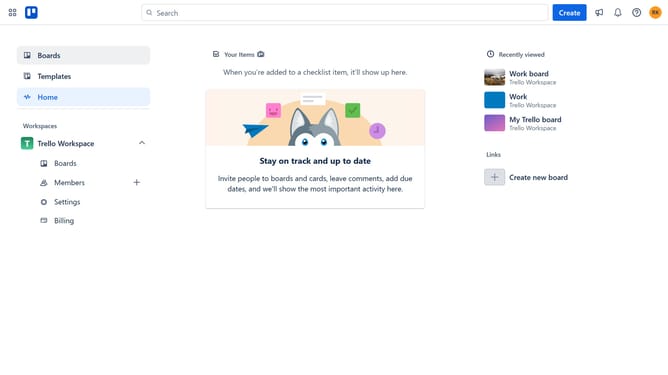
- First click on the "Settings" option in the left sidebar under the Trello Workspace section
- Then click on "Settings" in the Personal Settings menu on the left
- Next click on the dropdown arrow in the Email frequency section
- Finally select "Periodically" from the frequency dropdown menu
Why should you set email frequency to periodically in Trello
Trello is a versatile project management tool designed to streamline workflows and enhance team collaboration.
Setting email frequency to periodically in Trello allows you to receive updates and notifications on a scheduled basis, helping you stay informed without being overwhelmed by constant alerts.
This feature enhances productivity by granting you the peace of mind to focus on tasks, knowing that crucial information will arrive at the right time.
Utilizing this feature means you can effectively manage your time and prioritize your responses, leading to more organized and efficient project handling.
Last update