How to add pincard power-up in Trello
Here is how to add pincard power-up in trello
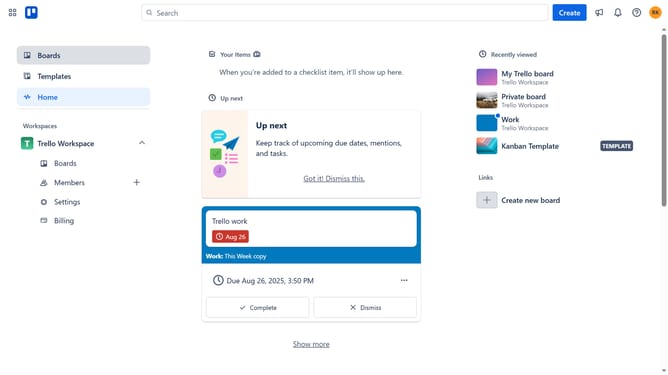
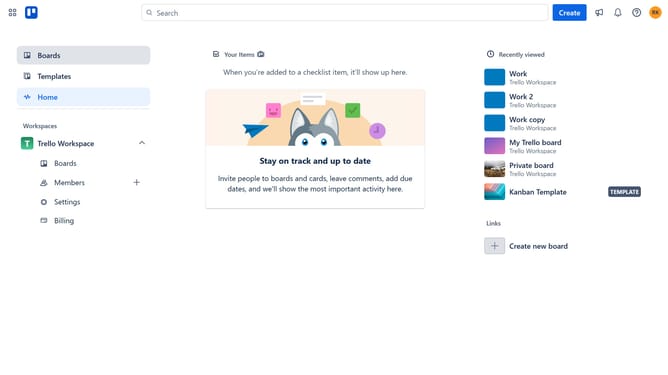
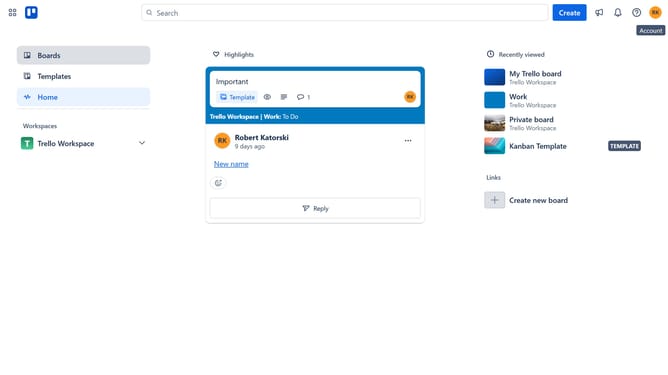
- First click on the "Boards" option in the left sidebar menu
- Then click a board in the workspace section
- Next click on the "more options" (three dots) button in the top-right corner of the board
- Then click on "Power-Ups" option in the dropdown menu
- Next click on "Communication & collaboration" category in the left sidebar
- Then click on "Add" button under the PinCard power-up
- Finally click on "Add" button in the PinCard confirmation dialog to install it
Why should you add pincard power-up in Trello
Trello is an intuitive visual collaboration tool designed to organize your projects into boards.
Enhancing Trello with the Pincard Power-Up can revolutionize board navigation by allowing easy pinning of important cards for swift access.
This feature is ideal for users seeking efficiency, as it helps prioritize tasks and maintain focus by effortlessly spotlighting key assignments or reminders on your board.
Integrating Pincard ensures your team's workflow is seamless, creating a more productive and organized project management environment.
Last update