How to add board chat power-up in Trello
Here is how to add board chat power-up in trello
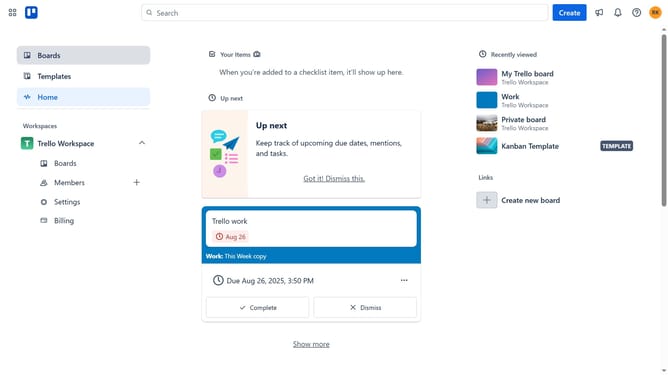
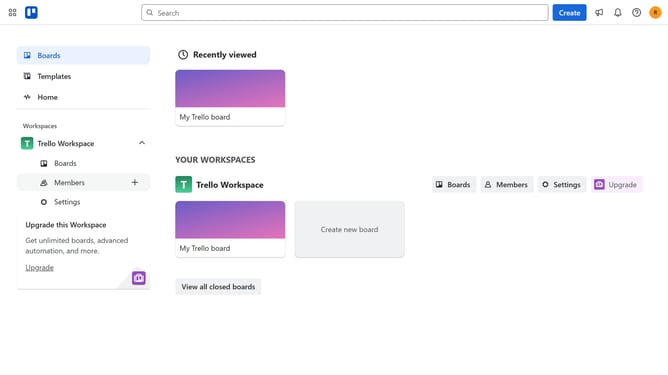
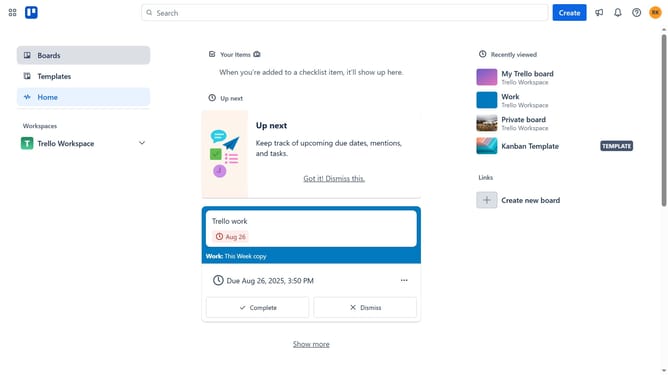
- First click on the "Boards" option in the left sidebar
- Then click a board in the workspace section
- Click on the "More" menu button (three dots) in the top-right corner of the board
- Select "Power-Ups" from the dropdown menu
- Click on the "Board utilities" category in the Power-Ups menu
- Click on the "Add" button under the "Board Chat - Tiny Power-Ups Club" power-up
- Finally click the "Add" button in the confirmation dialog to install the Board Chat Power-Up
Why should you add board chat power-up in Trello
Trello is a dynamic project management tool designed to streamline teamwork through visually engaging boards.
Enhancing this tool with the board chat power-up brings instant communication directly onto your Trello boards. This feature allows team members to engage in real-time discussions without switching apps, promoting seamless collaboration and fast decision-making.
Integrating board chat fosters a smoother workflow by keeping conversations contextually relevant, thus reducing misunderstandings and enhancing productivity. Enjoy keeping your team united and informed effortlessly.
Last update