How to filter cards with labels in Trello
Here is how to filter cards with labels in trello
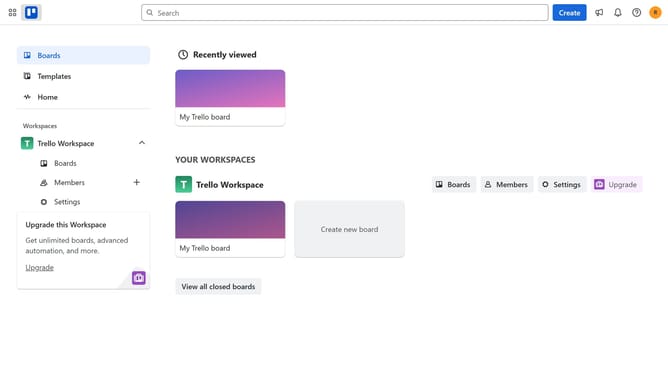
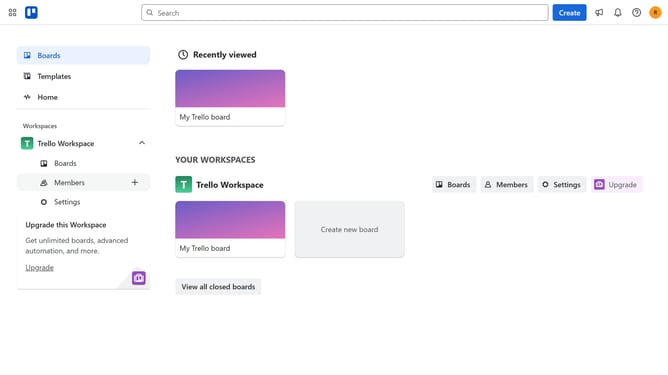
- First click on the "Boards" option in the left sidebar navigation
- Then click a board in the workspace section
- Next click on the filter icon in the top toolbar to open the filter panel
- Then scroll down in the filter menu
- Finally click on the checkbox next to the label you want to filter
Why should you filter cards with labels in Trello
Trello is a versatile project management tool designed to streamline task organization.
Filtering cards with labels in Trello allows users to swiftly narrow down their focus on specific tasks or project elements, enhancing workflow efficiency.
By categorizing tasks with labels, teams can easily visualize project components, prioritize tasks, and maintain order in dynamic work environments.
This feature promotes clarity and increases productivity as it eliminates clutter, helping you focus on what truly matters.
Last update