How to add salesforce power-up in Trello
Here is how to add salesforce power-up in trello
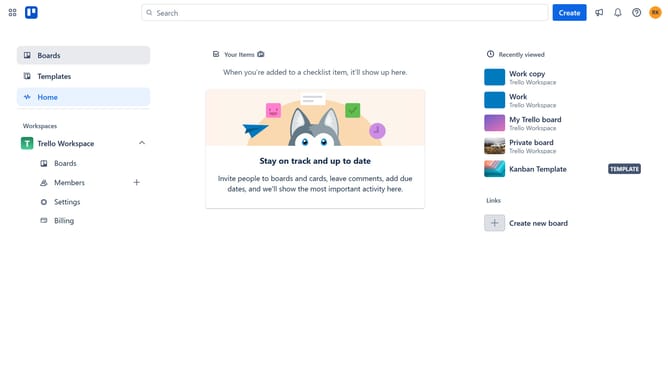
- First click on the "Boards" option in the left sidebar menu
- Then click a board in the workspace section
- Click on the "More" menu (three dots) button in the top-right corner of the board
- In the dropdown menu, click on the "Power-Ups" option
- Select the "HR & operations" category from the left sidebar
- Scroll down in the HR & operations list
- Finally click on the "Add" button under the Wishlist Power-Up to install it
Why should you add salesforce power-up in Trello
Trello is a versatile tool designed to streamline project management and enhance team collaboration through intuitive visual boards.
Integrating the Salesforce Power-Up in Trello connects your Trello boards with essential Salesforce data, empowering your team with seamless access to sales insights. This integration allows teams to bridge the gap between project management and customer relationship management, resulting in more cohesive workflows.
By adding the Salesforce Power-Up, teams can easily track sales progress, prioritize tasks, and ensure no crucial detail is missed, ultimately leading to improved productivity and customer satisfaction.
Last update