How to add mockflow ideaboard power-up in Trello
Here is how to add mockflow ideaboard power-up in trello
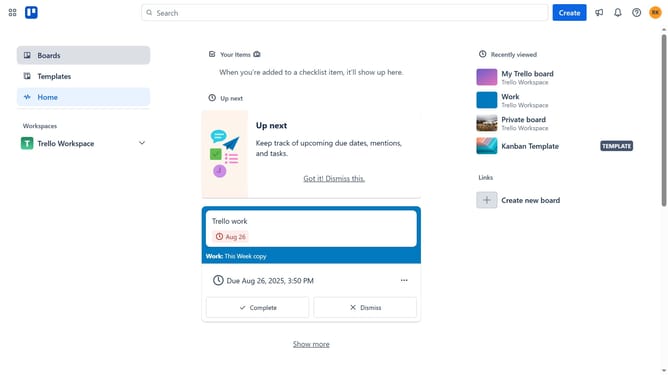
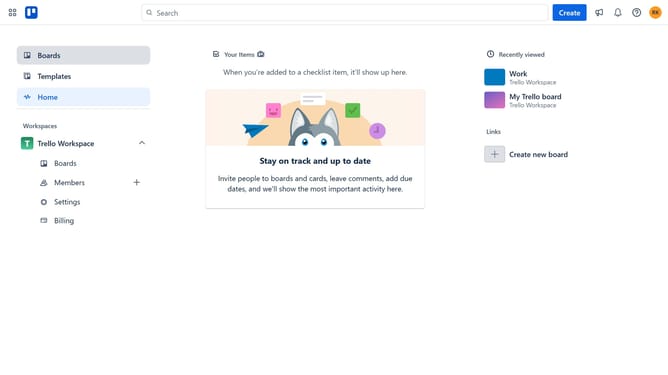
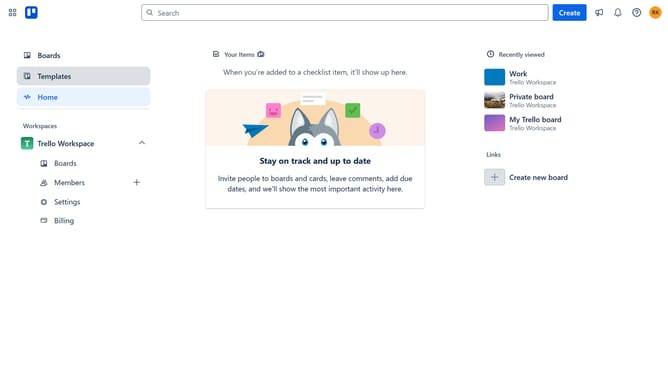
- First click on the "Boards" option in the left sidebar
- Then click a board from the workspace section
- Click the "More" menu button (three dots) in the top-right corner of the board
- Select "Power-Ups" option from the dropdown menu
- Click on the "Communication & collaboration" category in the left sidebar of the Power-Ups window
- Click on the "MockFlow IdeaBoard" power-up tile
- Finally click the "Add" button in the MockFlow IdeaBoard confirmation dialog
Why should you add mockflow ideaboard power-up in Trello
Trello is a versatile platform designed for seamless task organization and project management.
Enhancing your Trello boards with the MockFlow Ideaboard Power-Up elevates your team’s brainstorming capabilities.
By integrating this feature, visualize ideas more effectively and streamline the creative process.
The Ideaboard Power-Up supports collaboration, making it easier to cultivate innovation and bring concepts to life.
Last update