How to add analytics tiny power-ups club in Trello
Here is how to add analytics tiny power-ups club in trello
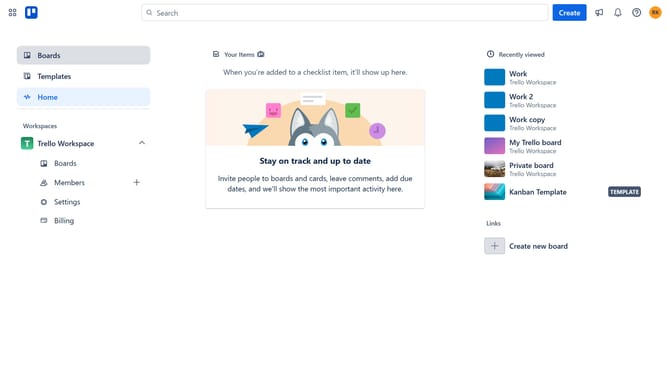
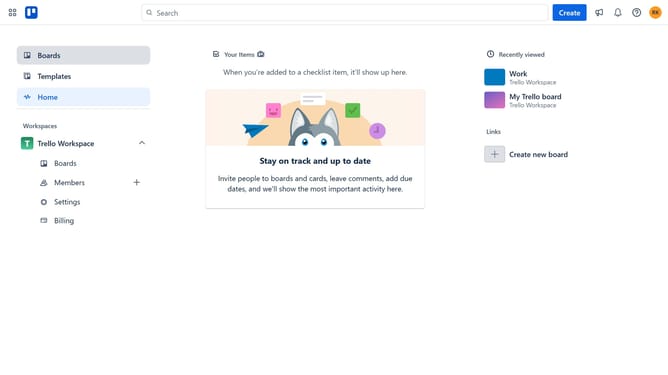
- First click on the "Boards" option in the left sidebar
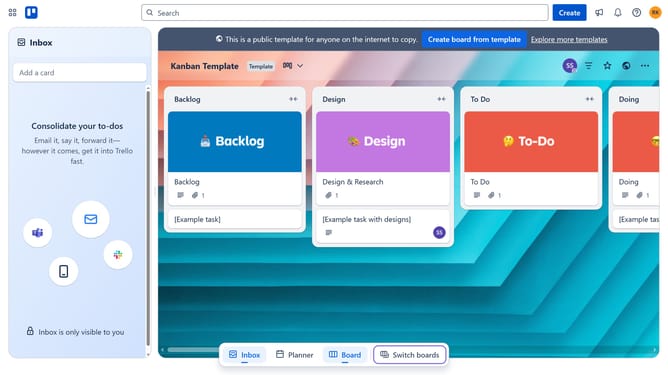
- Then click a board in the workspace section
- Next click on the "More" (three dots) menu button in the top-right corner of the board
- Click on "Power-Ups" option in the dropdown menu
- Select "Analytics & reporting" category from the left sidebar
- Scroll down in the "Analytics & reporting" menu
- Click on the "Add" button for "Analytics - Tiny Power-Ups Club"
- Finally click the blue "Add" button to confirm adding the Analytics Power-Up
Why should you add analytics tiny power-ups club in Trello
Trello is a versatile platform designed for seamless task management and team collaboration.
Integrating the Tiny Power-Ups Club for analytics in Trello allows users to harness crucial data insights effortlessly.
By adding this feature, teams can track progress and performance with precision, turning raw data into actionable strategies.
This enhancement streamlines decision-making processes, fostering a more productive and informed work environment.
Last update