How to add cardsnooze power-up in Trello
Here is how to add cardsnooze power-up in trello
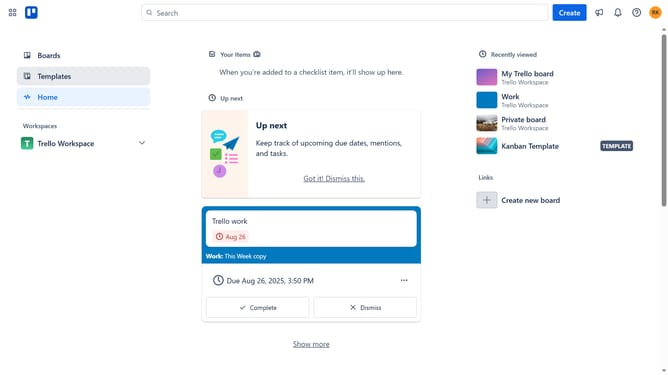
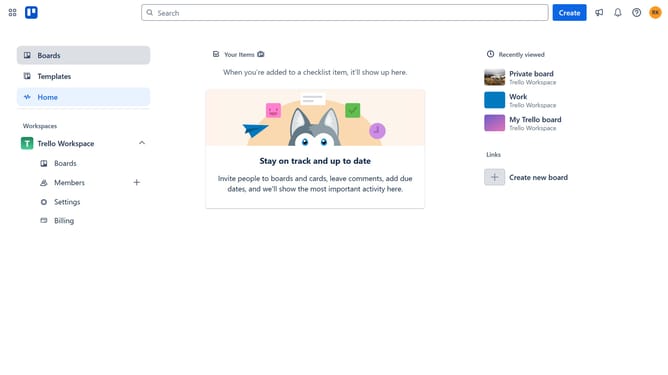
- First click on the "Boards" item in the left sidebar
- Then click a board in the workspace section
- Next click on the "..." (more) menu button in the top-right corner of the board
- Then click on "Power-Ups" option in the dropdown menu
- Next click on "Automation" category in the Power-Ups window
- Then scroll down to find additional Power-Up options
- Finally click on "Card Snooze" Power-Up's "Add" button to install it
Why should you add cardsnooze power-up in Trello
Trello is a versatile tool designed to streamline task and project management through an intuitive card-based system.
The Cardsnooze power-up enhances Trello's functionality by allowing users to temporarily hide tasks that aren't immediately relevant. This offers a more organized and focused workspace, especially in fast-paced environments filled with ongoing activities.
By integrating Cardsnooze, you can prioritize workloads effectively, tackling tasks that are pressing while postponing others without neglecting them entirely. This ensures optimum productivity and clarity in project management.
Last update