How to add due dates tool power-up in Trello
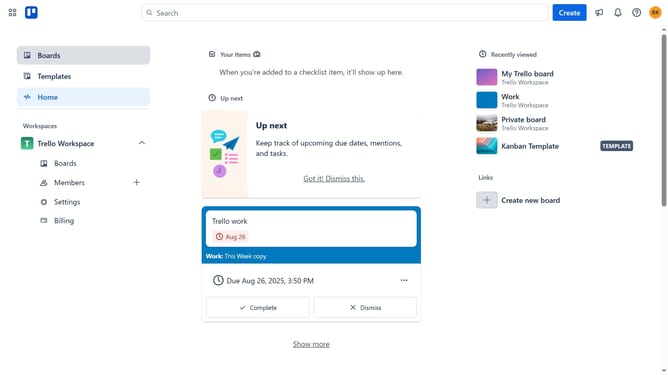
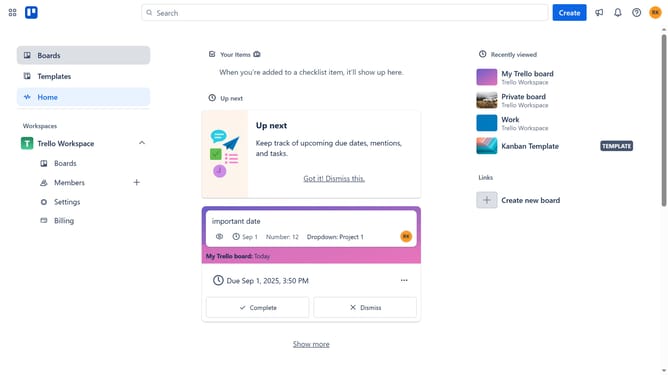
Here is how to add due dates tool power-up in trello
- First click on the "Boards" item in the left sidebar menu
- Then click a board in the workspace area
- Next click on the "More" button (three dots) in the top-right corner of the board
- Then select "Power-Ups" option from the dropdown menu
- In the Power-Ups window, click on "Automation" category in the left sidebar
- Then click on "Add" button under the "Due Dates Tool" power-up
- Finally click on "Add" button in the confirmation dialog to install the Due Dates Tool
Why should you add due dates tool power-up in Trello
Trello is a versatile project management tool designed to streamline workflows and increase productivity.
Adding the due dates tool power-up in Trello is a strategic feature that enhances task management by enabling users to set deadlines on their cards.
This feature not only helps in prioritizing tasks but also offers a visual timeline to track project progress, ensuring you never miss an important date.
Incorporating due dates promotes accountability and ensures tasks move smoothly through your workflow, boosting overall team efficiency and focus.
Last update