How to sort cards by due date in Trello
Here is how to sort cards by due date in trello
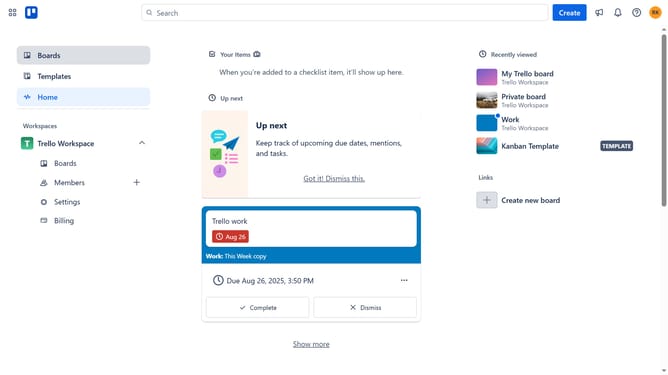
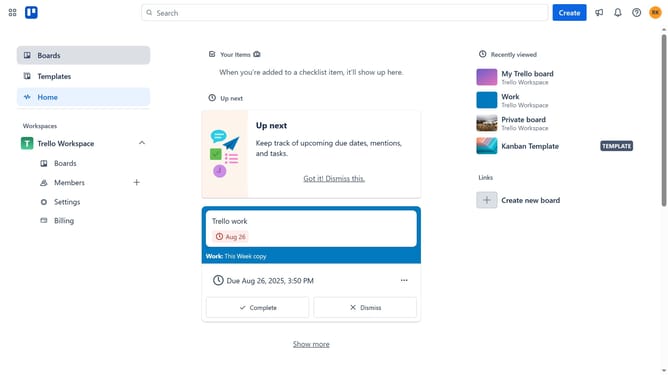
- First click on "Settings" in the left sidebar under Trello Workspace section
- Then click on "Cards" in the left sidebar under Personal Settings section
- Next click on "Sort by board" dropdown in the top menu
- Finally select "Sort by due date" option from the dropdown menu
Why should you sort cards by due date in Trello
Trello is a versatile project management tool designed to help teams collaborate and organize effortlessly.
One of Trello's powerful features is the ability to sort cards by due date, which brings clarity and prioritizes tasks efficiently.
By sorting cards this way, users can focus on what needs immediate attention, ensuring deadlines are met and productivity is enhanced.
This feature enables teams to streamline workflow, make informed decisions, and maintain a well-organized project timeline.
Last update