How to add teamgantt power-up in Trello
Here is how to add teamgantt power-up in trello
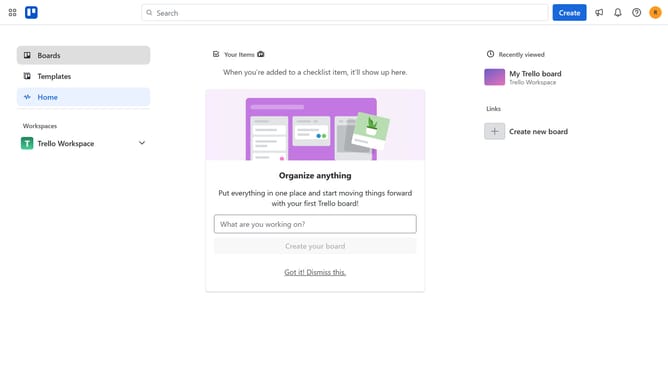
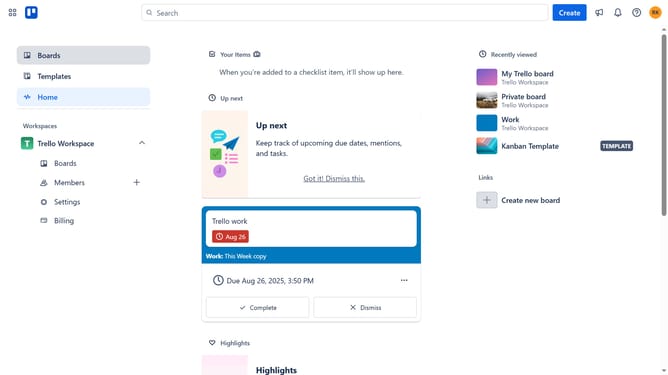
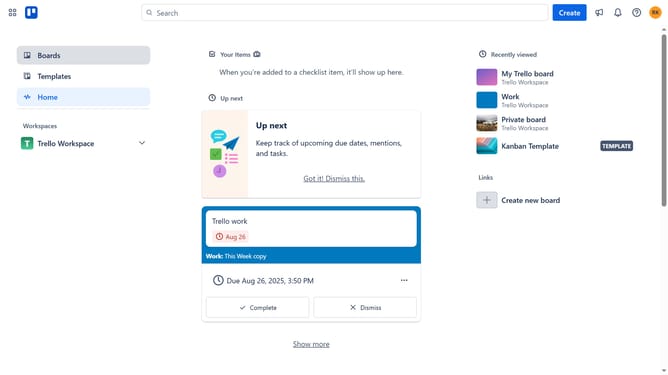
- First click on "Boards" in the left sidebar navigation
- Then click a board in the Trello Workspace section
- Click on the "more options" menu (three dots) in the top-right corner of the board
- Select "Power-Ups" option from the dropdown menu
- Click on "Analytics & reporting" category in the left sidebar
- Scroll down to find "TeamGantt" Power-Up
- Click the "Add" button for the TeamGantt Power-Up
- Finally click the "Add" button in the confirmation dialog to install the Power-Up
Why should you add teamgantt power-up in Trello
Trello is an intuitive project management tool that streamlines your workflow with boards, lists, and cards.
Enhancing Trello with the TeamGantt Power-Up combines visual project mapping with timeline capabilities. This feature integrates your Trello tasks into a Gantt chart, offering a clear, visual representation of your project timeline.
By adding this Power-Up, users can better manage schedules, resources, and progress tracking. It lends the ability to foresee potential hiccups and adjust plans efficiently, making team collaboration more effective.
Last update