How to add wallet income & expenses power-up in Trello
Here is how to add wallet income & expenses power-up in trello
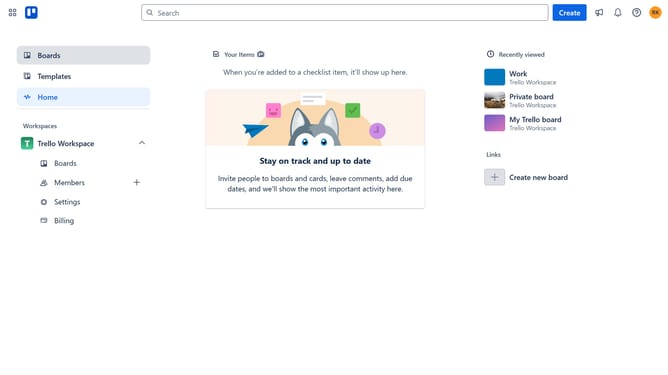
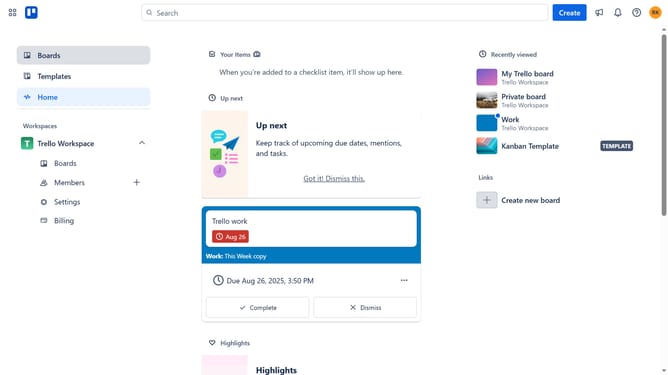
- First click on the "Boards" option in the left sidebar
- Then click a board in the workspace section
- Click on the "More" menu button (three dots) in the board header
- Select "Power-Ups" option from the dropdown menu
- Click on "Analytics & reporting" category in the left sidebar of Power-Ups window
- Scroll down to find and click on "Wallet Income & Expences Best for Online Business" power-up
- Click the "Add" button under the "Wallet Income & Expences Best for Online Business" power-up
- Finally click the "Add" button in the confirmation dialog to complete the installation
Why should you add wallet income & expenses power-up in Trello
Trello is a dynamic project management tool designed to boost productivity and organization with ease.
The Wallet Income & Expenses power-up in Trello offers a seamless way to track financial activities within your projects.
Enabling this feature, you can effortlessly manage your team's financial inputs and outputs, keeping everything organized in one place.
Ultimately, this power-up simplifies budget tracking, enhances accountability, and ensures smarter financial decision-making in your project management workflow.
Last update