How to add board iq by kryl solutions in Trello
Here is how to add board iq by kryl solutions in trello
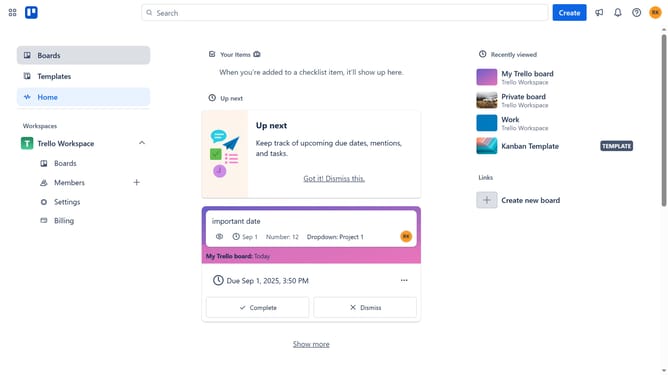
- First click on the "Boards" option in the left sidebar menu
- Then click a board in the workspace area
- Next click the menu button (three dots) in the top right corner of the board
- Then click on "Power-Ups" option in the dropdown menu
- In the Power-Ups window, click on the "Communication & collaboration" category in the left sidebar
- Click on the "Add" button for "Board IQ by Kryl Solutions" power-up
- Finally click the "Add" button in the confirmation dialog to install the power-up
Why should you add board iq by kryl solutions in Trello
Trello is a versatile project management tool designed to streamline workflow through visual organization.
Enhancing your Trello experience, Board IQ by Kryl Solutions integrates seamlessly, offering superior task management insights.
Utilizing Board IQ, you gain access to advanced analytics, making it easier to track progress and efficiency.
With actionable insights, teams can operate more cohesively, optimizing performance with precision.
Last update