How to add projectmanager in Trello
Here is how to add projectmanager in trello
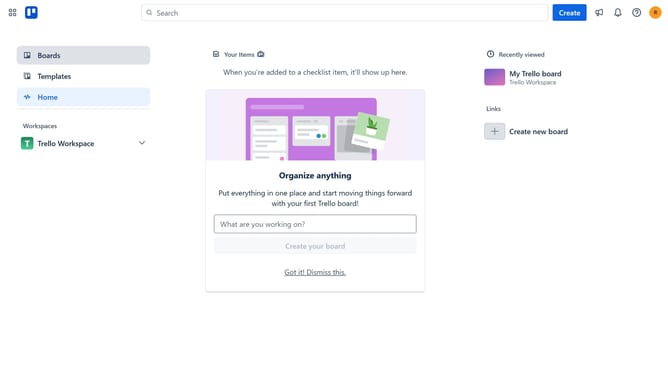
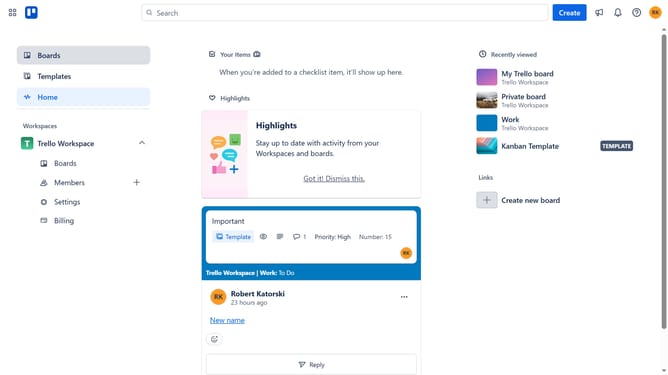
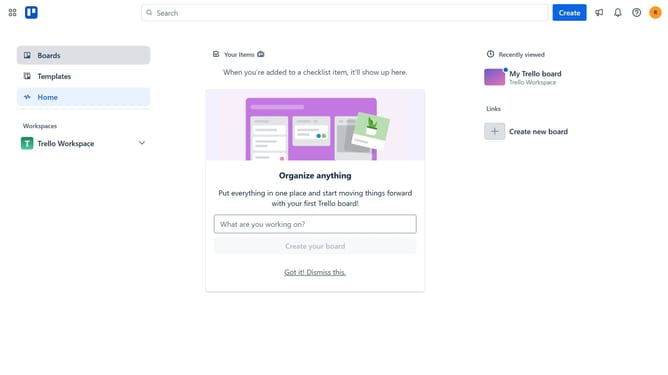
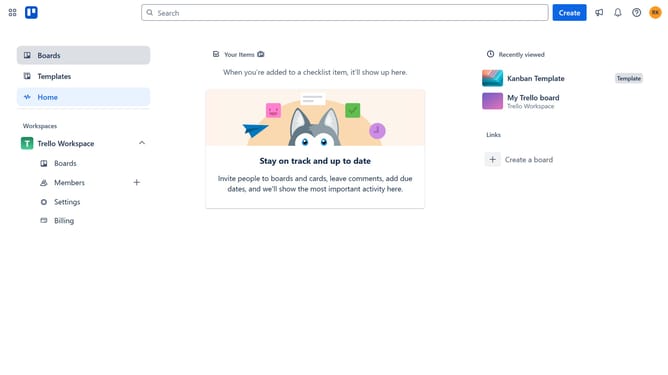
- First click on the "Boards" option in the left sidebar
- Then click a board in the workspace area
- Click on the "More" menu (three dots) button in the top-right corner of the board
- Select "Power-Ups" option from the dropdown menu
- Click on the scrollbar to scroll down in the Power-Ups window
- Select "IT & project management" category from the left sidebar
- Click the "Add" button under the ProjectManager Power-Up
- Finally click the "Add" button in the confirmation dialog to install the Power-Up
Why should you add projectmanager in Trello
Trello is a dynamic collaboration tool designed to organize tasks and streamline teamwork.
Adding a project manager in Trello enhances oversight and facilitates task delegation, ensuring projects run smoothly. This feature centralizes leadership, allowing the manager to efficiently guide team members and monitor progress.
By using this feature, teams benefit from improved coordination and communication, making complex projects more manageable.
Last update