How to add cardsync for teams in Trello
Here is how to add cardsync for teams in trello
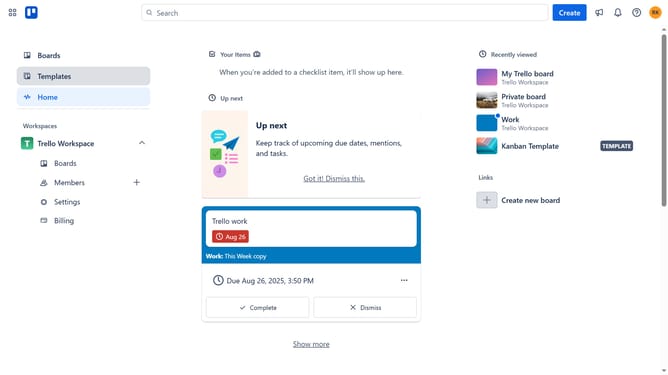
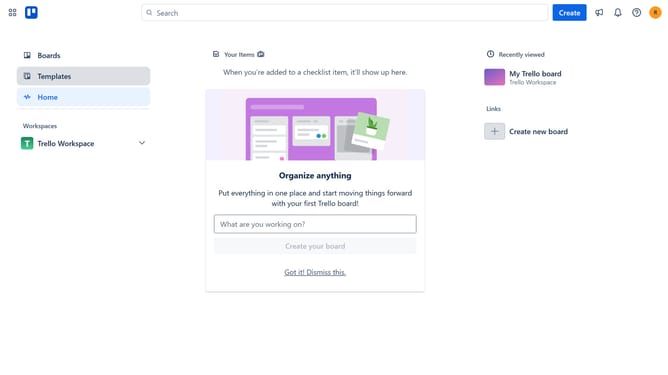
- First click on the "Boards" item in the left sidebar
- Then click a board in the workspace section
- Next click the three dots menu button in the top right corner of the board
- Scroll down in the menu settings
- After that click on "Power-Ups" option in the board menu
- Next click on "Automation" category in the Power-Ups menu
- Then click on the "Add" button under the "Cardsync for teams" power-up
- Finally click "Add" button to confirm adding the Power-Up to your board
Why should you add cardsync for teams in Trello
Trello is a versatile project management tool designed to streamline team collaboration through an intuitive board and card system.
Adding CardSync for teams in Trello enhances productivity by automatically syncing cards across different boards, ensuring everyone stays updated without manual tracking.
This feature optimizes workflow efficiency, maintains consistency in task management, and fosters seamless communication among team members.
With CardSync, teams can focus solely on achieving goals, relieved from the hassle of updating information on multiple platforms.
Last update