How to add sums power-up in Trello
Here is how to add sums power-up in trello
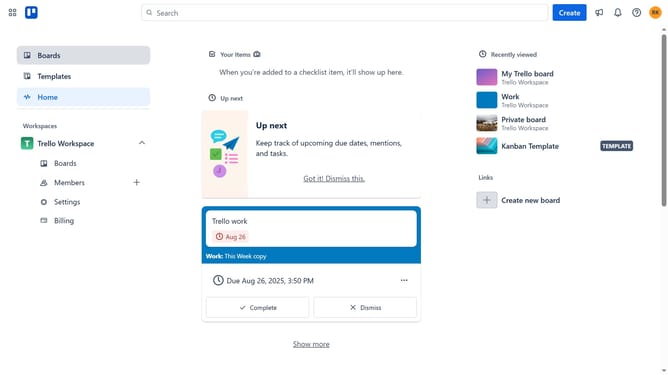
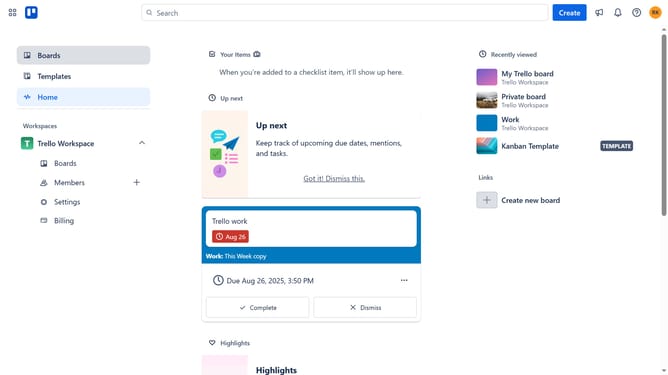
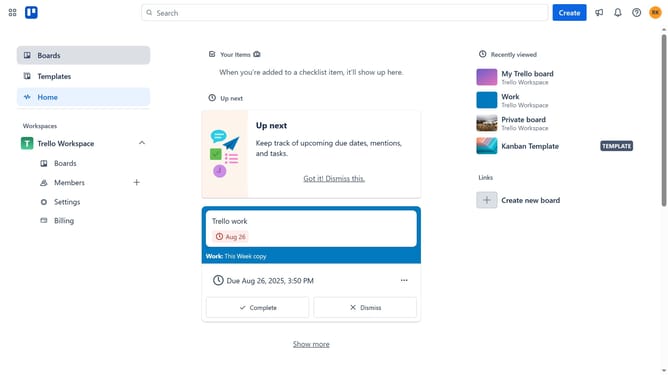
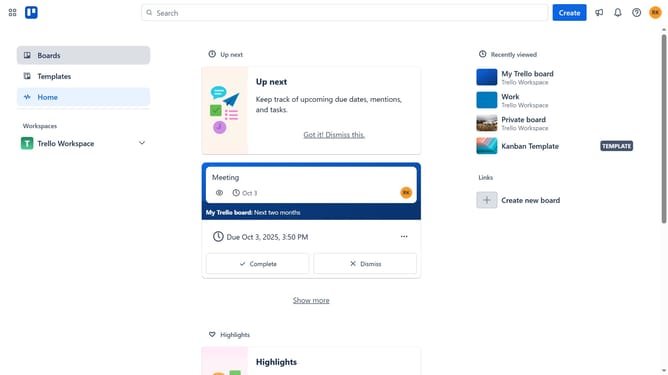
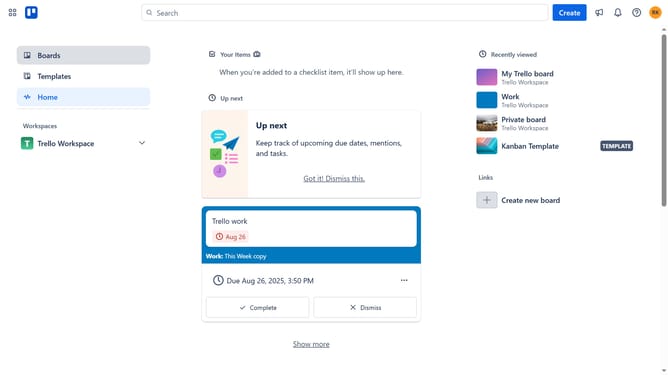
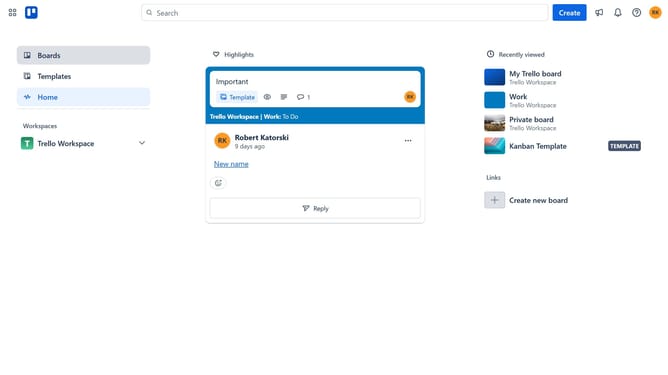
- First click on the "Boards" option in the left sidebar menu
- Then click a board in the workspace section
- Next click on the three dots menu ("...") in the top-right corner of the board
- In the dropdown menu, click on the "Power-Ups" option
- In the Power-Ups window, click on the "Board utilities" category in the left sidebar
- Scroll down in the board utilities list
- Click the "Add" button under the "Sums" power-up
- Finally click the "Add" button in the confirmation dialog to install the Sums power-up
Why should you add sums power-up in Trello
Trello is a vibrant project management tool that streamlines task organization with its intuitive boards, lists, and cards.
Adding the Sums power-up to Trello supercharges your boards by automatically calculating and displaying numerical data, such as task time estimates or budget totals.
This feature fosters efficient project management, providing instant insights and enabling smarter decision-making based on real-time data.
With clear visual summaries, teams can easily maintain an overview of their goals, enhancing productivity and collaboration.
Last update