How to add card relationships power-up in Trello
Here is how to add card relationships power-up in trello
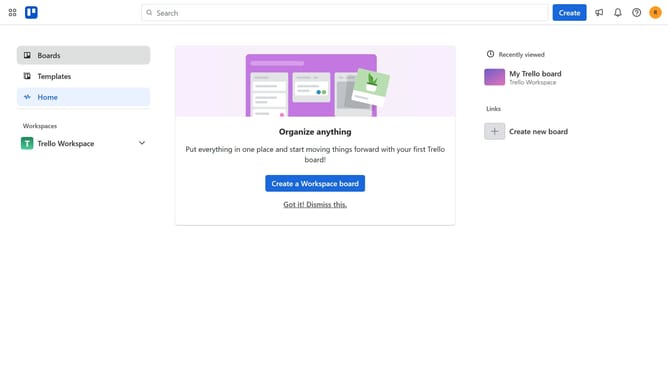
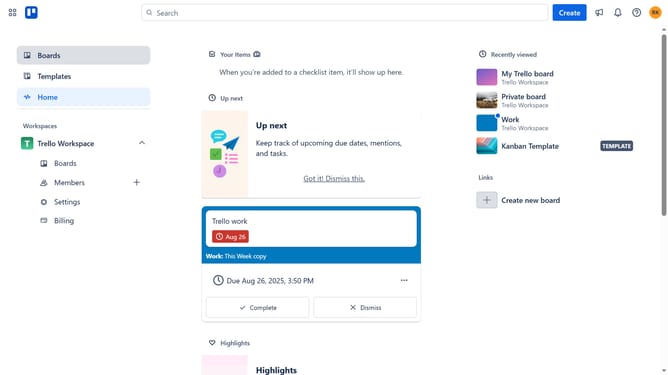
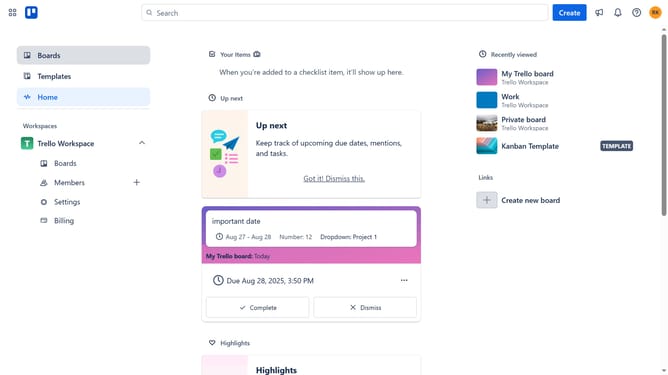
- First click on the "Boards" option in the left sidebar menu
- Then click a board in the workspace section
- Click on the "More" menu (three dots) button in the top-right corner of the board
- Select "Power-Ups" option from the dropdown menu
- Click on "Developer tools" category in the left sidebar of the Power-Ups window
- Click on the "Add" button under the "Card Relationships - Hello Epics" Power-Up
- Finally click the blue "Add" button in the confirmation dialog to install the Power-Up
Why should you add card relationships power-up in Trello
Trello is a versatile tool that transforms project management into a visual breeze with its intuitive boards and cards.
One standout feature is the ability to add card relationships through power-ups, enhancing how you view and manage tasks.
By linking cards, you create clear connections between tasks, projects, or ideas, fostering a seamless workflow and keeping your team on the same page.
This feature not only streamlines processes but also boosts collaboration and efficiency, making task management more transparent and cohesive.
Last update