How to add card share by hipporello in Trello
Here is how to add card share by hipporello in trello
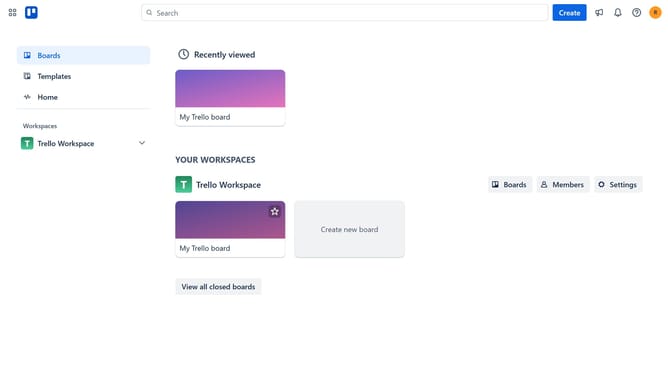
- First click on the "Boards" option in the left sidebar
- Then click a board in the main workspace area
- Next click the three dots menu button in the top-right corner of the board
- Then click on "Power-Ups" in the dropdown menu
- Next click on the "Board utilities" category in the Power-Ups window
- Then click on "Card Share by Hipporello" add button
- Finally click the "Add" button in the Card Share confirmation dialog to install it
Why should you add card share by hipporello in Trello
Trello is a versatile project management tool designed to organize tasks with ease and efficiency.
The Card Share feature by Hipporello in Trello enhances collaboration by allowing users to share individual task cards seamlessly. This feature integrates smoothly, ensuring information dissemination is quick and straightforward.
By using Card Share, teams can maintain clarity and transparency, enhancing overall productivity. It’s particularly beneficial for remote teams, offering a streamlined way to keep everyone on the same page.
Last update