How to add task master - auto label & assign power-up in Trello
Here is how to add task master - auto label & assign power-up in trello
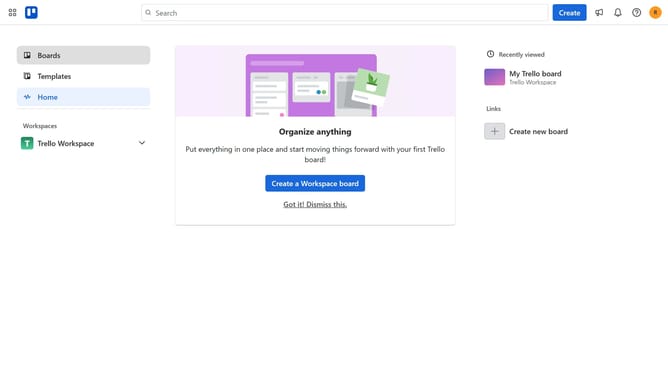
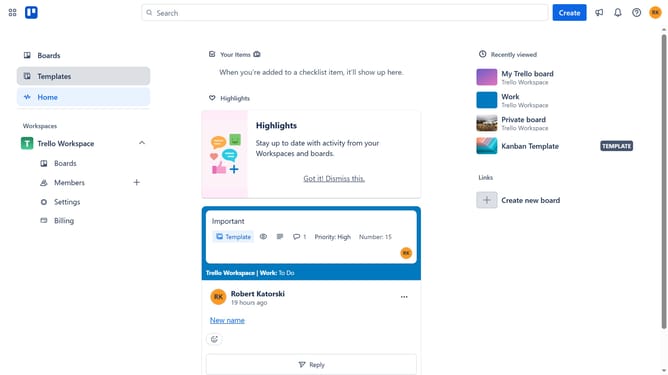
- First click on the "Boards" option in the left sidebar menu
- Then click a board in the workspace section
- Click on the "..." menu button in the top-right corner of the board
- Select "Power-Ups" from the dropdown menu
- Click on the "Board utilities" category in the left sidebar of the Power-Ups window
- Scroll down and locate the "Task Master - Auto Label & Assign" Power-Up
- Click the "Add" button under the Task Master Power-Up
- Finally click the "Add" button in the confirmation dialog to install the Power-Up
Why should you add task master - auto label & assign power-up in Trello
Trello is a versatile platform designed to streamline task management and collaboration.
One of the valuable features you can integrate is the Task Master - Auto Label & Assign Power-Up. This enhancement automates the process of labeling tasks and assigning them to team members, resulting in smoother project flow.
By minimizing manual input, this power-up boosts efficiency, allowing teams to focus more on productivity instead of administrative tasks.
Embracing this tool not only saves time but also ensures that team responsibilities are clearly defined and organized effortlessly.
Last update