How to add google calendar sync power-up in Trello
Here is how to add google calendar sync power-up in trello
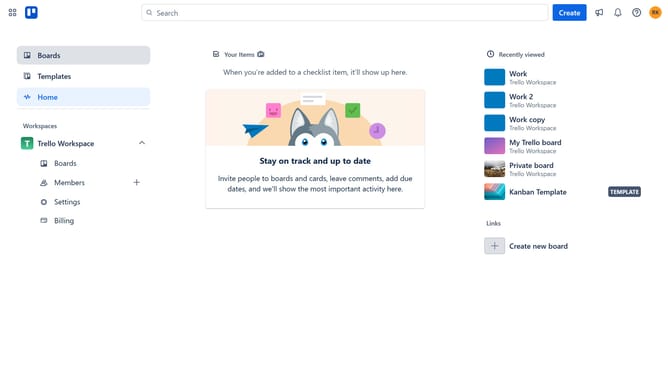
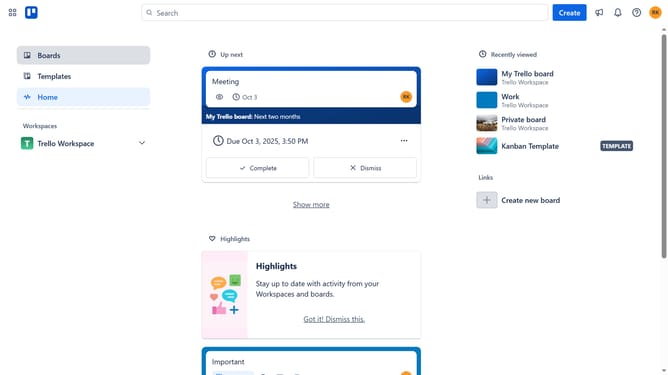
- First click on the "Boards" option in the left sidebar menu
- Then click a board in the workspace section
- Click on the "More" (three dots) menu button in the top-right corner of the board
- Select "Power-Ups" from the dropdown menu
- Click on the "Automation" category in the left sidebar of the Power-Ups window
- Scroll down in the automation list
- Click the "Add" button under the "Google Calendar Sync" Power-Up card
- Finally, click the "Add" button to confirm and install the Google Calendar Sync Power-Up
Why should you add google calendar sync power-up in Trello
Trello is a versatile project management tool that helps teams collaborate and organize tasks seamlessly.
Adding the Google Calendar sync power-up in Trello enhances your workflow by integrating your Trello cards with your Google Calendar. This seamless connection ensures all your tasks are visible on one platform, boosting productivity.
This feature helps you never miss a deadline, keeping you on track with real-time updates and reminders, ensuring that all project timelines are harmoniously aligned.
Last update