How to add hubspot + trello two-way sync power-up in Trello
Here is how to add hubspot + trello two-way sync power-up in trello
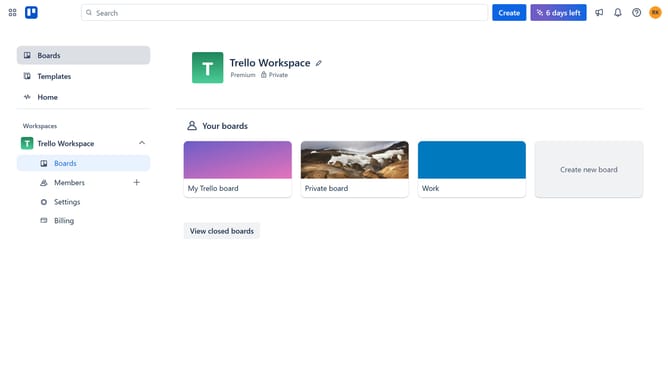
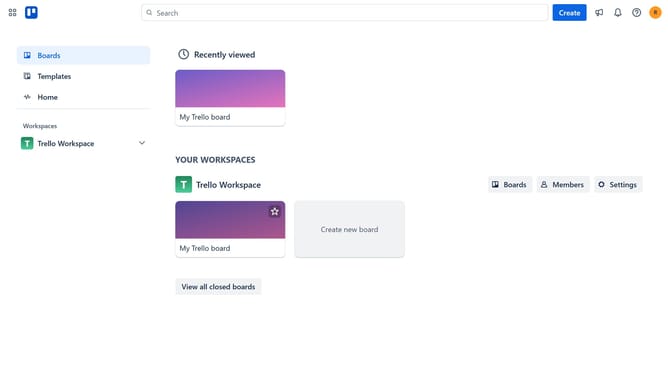
- First click on the "Boards" item in the left sidebar
- Then click a board in the workspace boards section
- Next click on the menu button (...) in the top-right corner of the board
- Then scroll down in the menu settings
- Next click on "Power-Ups" option in the board menu
- Then click on "Automation" category in the Power-Ups menu
- Next click on "Add" button for HubSpot + Trello Two-Way Sync integration
- Finally click the "Add" button to confirm adding the HubSpot + Trello Two-Way Sync Power-Up
Why should you add hubspot + trello two-way sync power-up in Trello
Trello is a versatile project management tool designed to simplify task organization and collaboration.
The HubSpot + Trello two-way sync power-up elevates your productivity by seamlessly connecting your CRM capabilities with Trello's intuitive boards.
This integration ensures that updates made in either HubSpot or Trello automatically reflect in both platforms, maintaining data accuracy and reducing manual entry.
Enjoy the streamlined workflow, improve team communication, and keep essential project information at your fingertips.
Last update