How to add voice memos power-up in Trello
Here is how to add voice memos power-up in trello
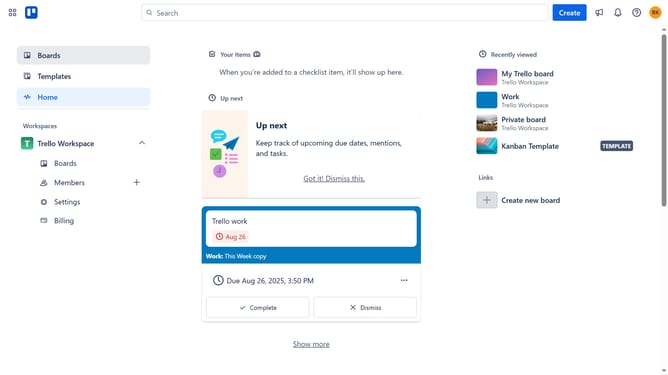
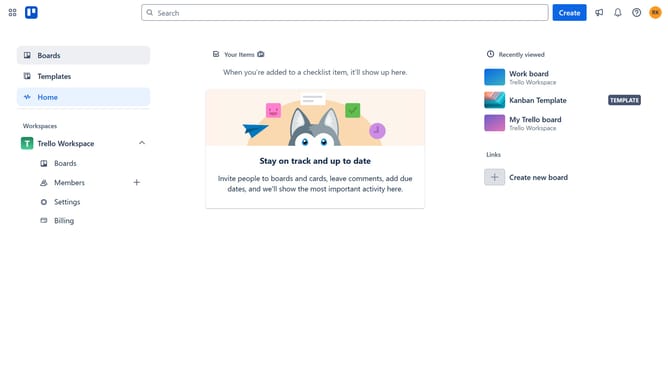
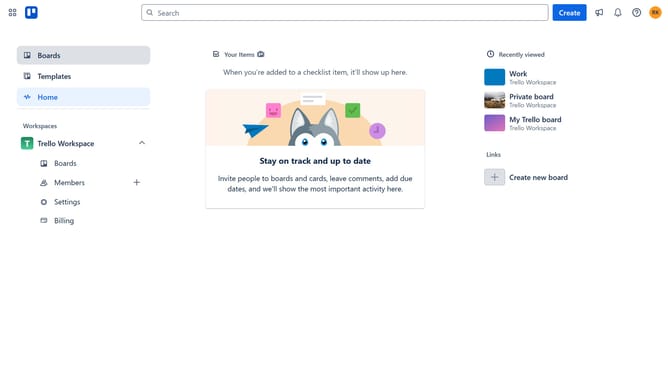
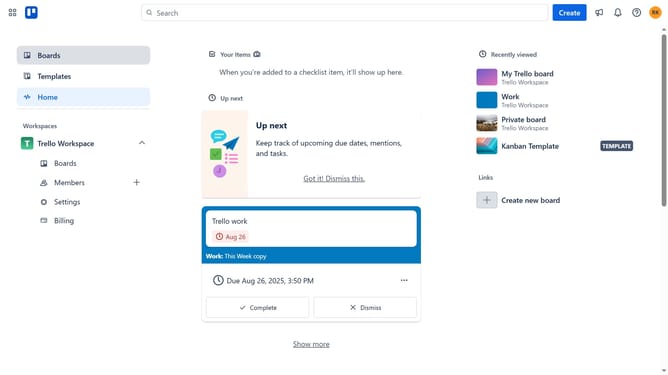
- First click on "Boards" in the left sidebar menu
- Then click a board in the workspace area
- Click on the "more options" button (three dots) in the top-right corner of the board
- Select "Power-Ups" from the dropdown menu
- Click on "Communication & collaboration" category in the left sidebar of the Power-Ups window
- Click on "Add" button under the "Voice Memos" Power-Up
- Finally click on "Add" button in the Voice Memos confirmation dialog to install it
Why should you add voice memos power-up in Trello
Trello is a flexible and visual tool for organizing tasks, projects, and ideas efficiently.
The voice memos power-up in Trello enhances productivity by allowing users to add audio notes directly to their cards. This feature is perfect for capturing thoughts quickly without typing, making communication within teams more dynamic and personal.
By empowering users to articulate nuanced insights through voice, this tool ensures that details aren't lost in textual misinterpretation. Enjoy streamlined workflow and richer collaboration with voice memos in Trello.
Last update