How to add links power-up in Trello
Here is how to add links power-up in trello
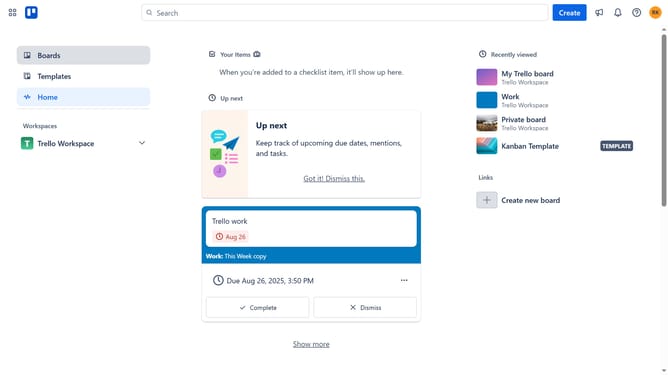
- First click on the "Boards" option in the left sidebar menu
- Then click a board in the workspace section
- Next click on the menu button (three dots) in the top-right corner of the board
- Then click on the "Power-Ups" option in the dropdown menu
- In the Power-Ups window, click on the "Communication & collaboration" category in the left sidebar
- Next click the "Add" button under the the "Links (Bulk Actions family)" power-up card
- Finally click on the "Add" button in the Links power-up details window to install it
Why should you add links power-up in Trello
Trello is a versatile project management tool designed to streamline teamwork and enhance productivity.
The Links Power-Up in Trello enables users to connect their tasks, boards, and cards seamlessly. This feature magnifies Trello’s organizational potential by allowing quick access to pertinent resources, streamlining workflow, and reducing time spent searching for documents.
Utilizing this powerful feature enhances collaboration as team members can effortlessly share and view relevant content, fostering an environment of transparency and efficiency.
Last update