How to add conditional lists colors power-up in Trello
Here is how to add conditional lists colors power-up in trello
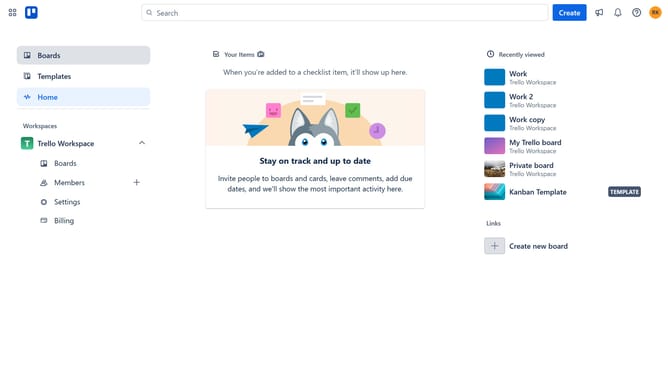
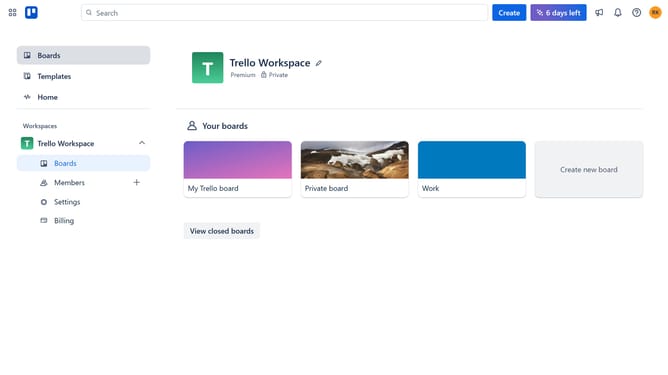
- First click on the "Boards" option in the left sidebar
- Then click a board in the workspace section
- Next click on the three dots menu button in the top right corner of the board
- Click on the "Power-Ups" option in the dropdown menu
- Select the "Automation" category from the left sidebar of the Power-Ups window
- Scroll down and locate the "Conditional List Colors" Power-Up
- Click on the "Add" button next to the Conditional List Colors Power-Up
- Finally click the "Add" button in the confirmation dialog to install the Power-Up
Why should you add conditional lists colors power-up in Trello
Trello revolutionizes project management by providing a visually intuitive way to organize tasks and collaborate with teams.
The Conditional Lists Colors Power-Up in Trello enhances productivity by allowing users to automatically change list colors based on customizable criteria.
This feature brings visual cues into your workflow, making it easier to identify priorities and track progress at a glance.
With improved organization and efficiency, users can boost team communication and streamline task management effortlessly.
Last update