How to add trello time tracking by Apploye in Trello
Here is how to add trello time tracking by apploye in trello
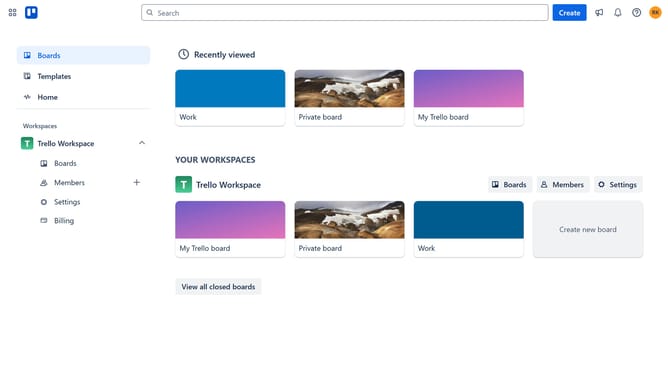
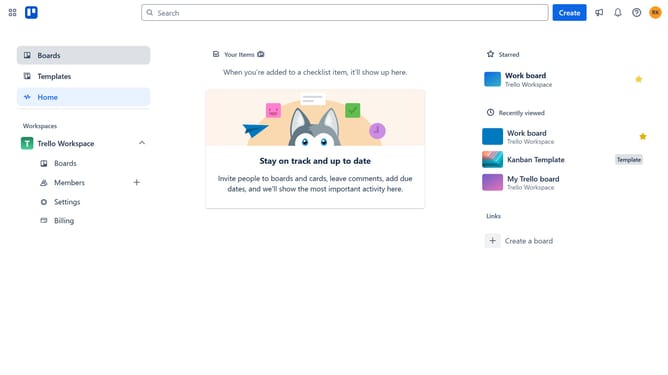
- First click on the "Boards" item in the left sidebar
- Then click a board in the workspace section
- Next click on the menu button (...) in the top-right corner of the board
- Then click on "Power-Ups" option in the dropdown menu
- Next click on "Analytics & reporting" category in the Power-Ups menu
- Then click on "Add" button under the "Trello Time Tracking by Appoye" Power-Up
- Finally click on "Add" button in the confirmation dialog to install the Power-Up
Why should you add trello time tracking by Apploye in Trello
Trello is a versatile project management tool designed to streamline collaboration and organization.
Integrating Trello time tracking by Apploye augments Trello's functionality by providing insight into time spent on tasks, enhancing productivity analysis. This feature allows for precise tracking and logging, ensuring that every moment of the workday is accounted for.
The benefit of adding Apploye's time tracking is that it provides clarity and efficiency in managing time, leading to more accurate project timelines and informed decision-making.
By tracking time within Trello, teams can better allocate resources, prioritize tasks, and elevate overall productivity.
Last update