How to add card blockers & dependencies power-up in Trello
Here is how to add card blockers & dependencies power-up in trello
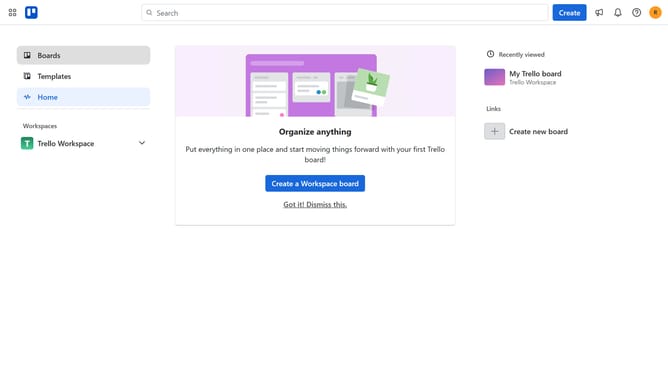
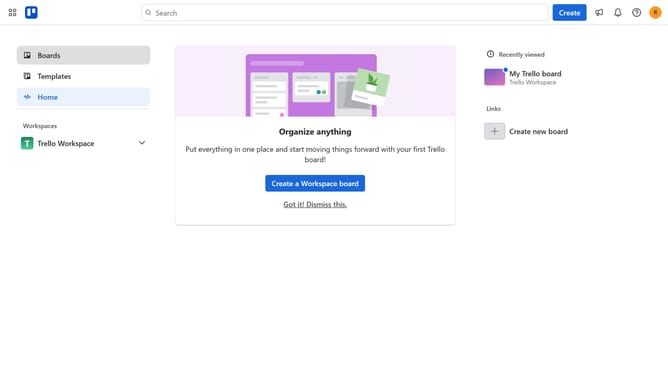
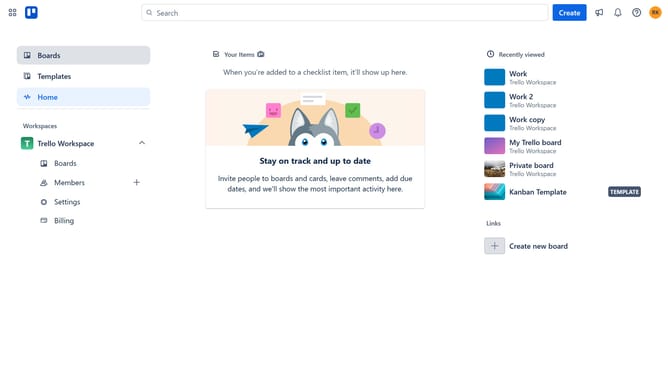
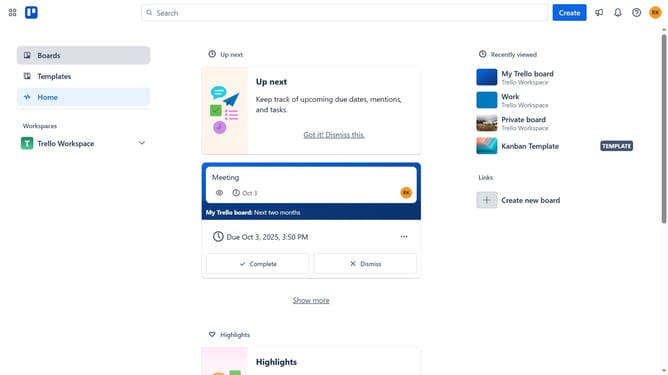
- First click on the "Boards" button in the left sidebar
- Next click a board in the workspace section
- Then click on the "..." (more) menu button in the top-right corner
- Next click on "Power-Ups" option in the dropdown menu
- Then click on "Analytics & reporting" category in the Power-Ups menu
- Next click "Add" button under the Card Blockers & Dependencies Power-Up
- Finally click on "Add" button for the Card Blockers & Dependencies Power-Up to install it
Why should you add card blockers & dependencies power-up in Trello
Trello is a dynamic project management tool that simplifies organizing tasks with its intuitive board and card system.
By utilizing the Card Blockers & Dependencies power-up, teams can efficiently identify and manage tasks that require attention or rely on other tasks to progress.
This feature facilitates a clear visualization of workflow dependencies, allowing team members to prioritize effectively and enhance overall productivity.
As a result, the power-up empowers teams to streamline processes, ensuring that no task falls through the cracks and all projects move forward seamlessly.
Last update