How to add smart card indicators in Trello
Here is how to add smart card indicators in trello
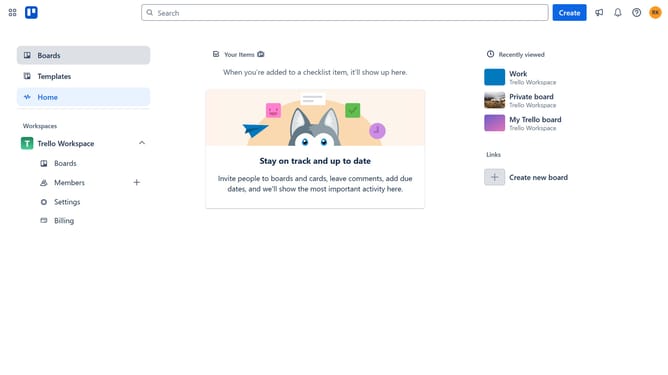
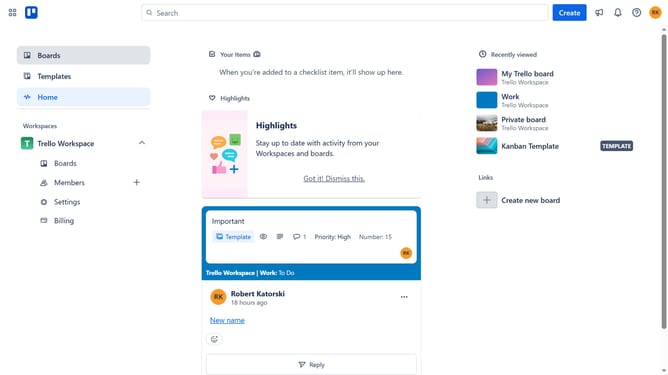
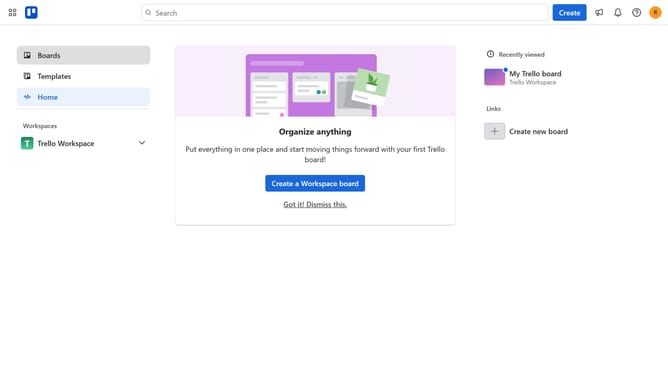
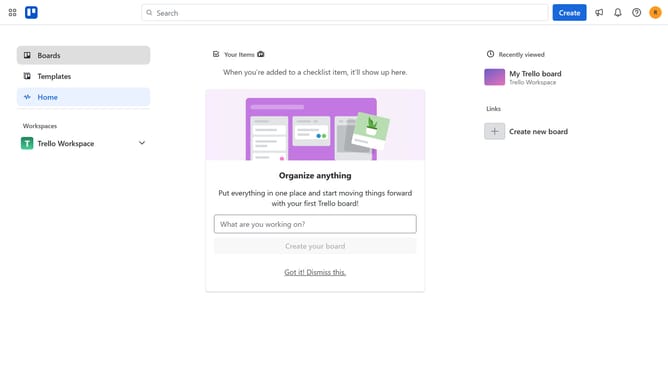
- First click on the "Boards" option in the left sidebar navigation
- Then click a board in the workspace area
- Next click on the three dots menu button in the top-right corner of the board
- Click on the "Power-Ups" option in the dropdown menu
- Select the "Analytics & reporting" category from the left sidebar
- Click on the "Smart Card Indicators" power-up card "Add" button
- Finally click the "Add" button in the confirmation dialog
Why should you add smart card indicators in Trello
Trello is a dynamic project management tool designed to streamline task organization and enhance team collaboration.
By adding smart card indicators in Trello, users can effortlessly visualize task priorities and deadlines, enhancing clarity and productivity.
This feature provides an immediate overview of the project's health, enabling quicker decision-making and prioritization.
Using smart card indicators can lead to more efficient project management, ensuring no task is ever overlooked and everything progresses smoothly.
Last update