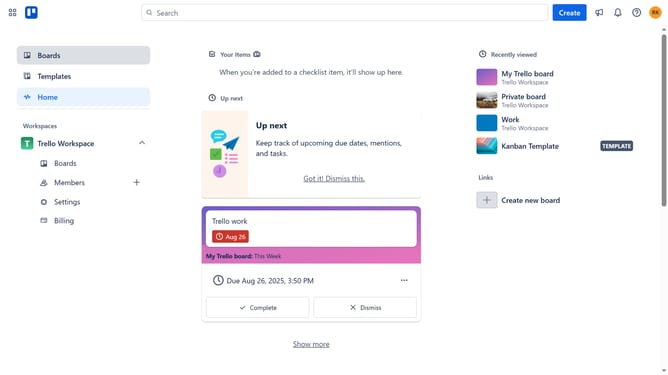
How to add good mood power-up in Trello
Here is how to add good mood power-up in trello
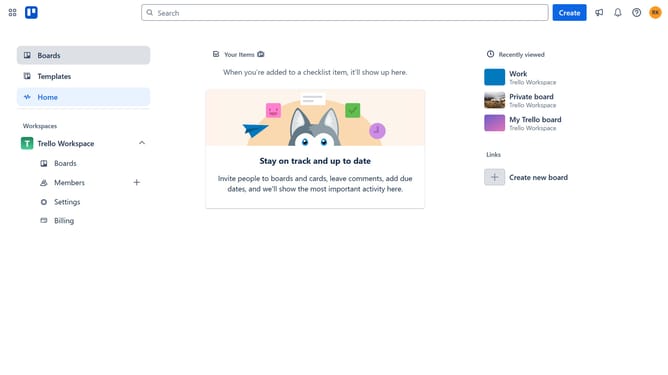
- First click on the "My Trello board" tile in the workspace section
- Then click on the menu button (three dots) in the top-right corner of the board header
- Next click on "Power-Ups" option in the dropdown menu
- Then select "Communication & collaboration" category from the left sidebar
- Click on the "Add" button under the "Good Mood" Power-Up tile
- Finally click the "Add" button in the Power-Up details dialog to install it
Why should you add good mood power-up in Trello
Trello is a dynamic tool designed to simplify project management and collaboration for teams.
Adding the good mood power-up to Trello enhances your boards with positive vibes that boost motivation and engagement.
It transforms mundane tasks into fun interactive experiences, promoting a happier and more productive work environment.
Embrace this feature to create an atmosphere where creativity flourishes, turning your Trello boards into inspiring and energized spaces.
Last update