How to add notes & docs power-up in Trello
Here is how to add notes & docs power-up in trello
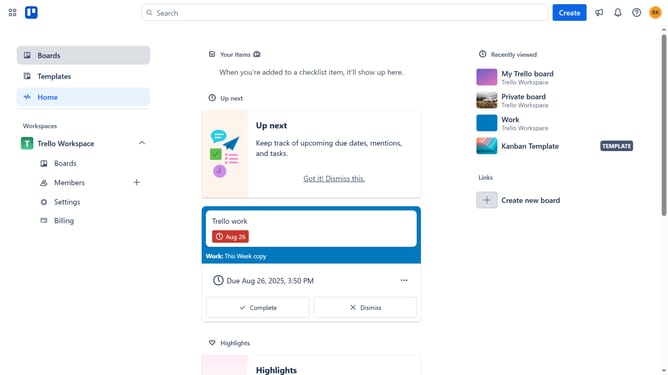
- First click on "Boards" in the left sidebar menu
- Then click a board in the workspace area
- Click on the "three dots" menu button in the top-right corner of the board
- Select "Power-Ups" option from the dropdown menu
- In the Power-Ups window, click on "Communication & collaboration" category from the left sidebar
- Scroll down to find and locate "Notes & Docs" Power-Up
- Click the "Add" button on the "Notes & Docs" Power-Up card
- Finally click the "Add" button in the confirmation dialog to install the Power-Up
Why should you add notes & docs power-up in Trello
Trello is a versatile platform designed to streamline collaboration and organize projects efficiently.
The Notes & Docs power-up enriches Trello's functionality by allowing seamless integration of notes and documents directly within your boards.
This feature enhances productivity by centralizing information, ensuring that all team members have access to critical documents and notes without leaving the platform.
By incorporating notes and documentation into Trello, teams can improve communication, reduce information silos, and keep all essential data easily accessible in one place.
Last update