How to add habit tracker by upgradeyourbrain in Trello
Here is how to add habit tracker by upgradeyourbrain in trello
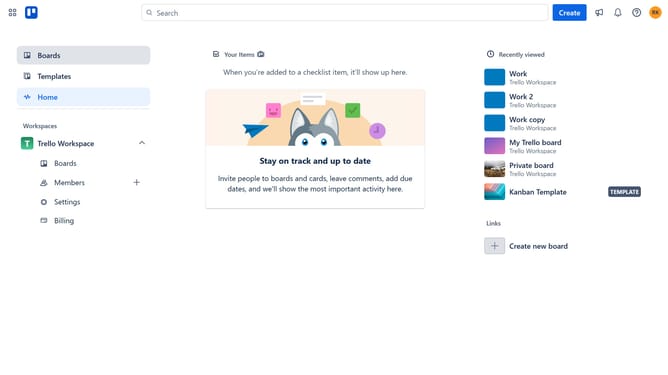
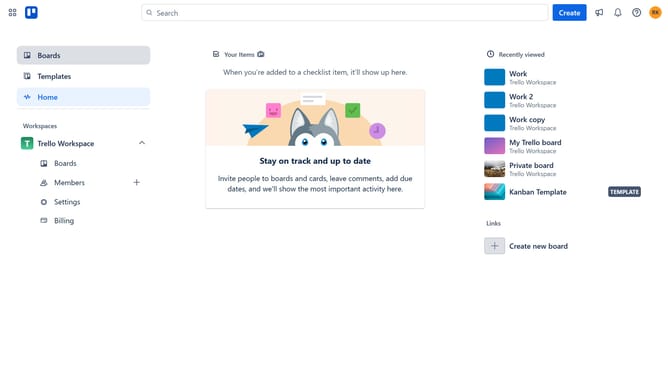
- First click on the "Boards" option in the left sidebar menu
- Then click a board in the workspace boards section
- Next click on the "More" (three dots) menu button in the top-right corner of the board
- Then click on the "Power-Ups" option in the board menu
- Next click on the "Analytics & reporting" category in the Power-Ups menu
- Then click on the "Add" button under the "Habit Tracker by UpgradeYourBrain" power-up option
- Finally click the "Add" button to install the Habit Tracker power-up
Why should you add habit tracker by upgradeyourbrain in Trello
Trello is a dynamic visual tool designed to streamline the management of tasks and projects effectively.
Integrating the habit tracker by UpgradeYourBrain into Trello enhances this platform's functionality by offering a seamless way to monitor and cultivate new habits.
This feature allows users to visualize their progress, reinforcing positive behaviors while promoting consistency.
By using this habit tracker, individuals can boost productivity and self-improvement effortlessly, using a system that naturally complements Trello's intuitive interface.
Last update