How to add colorful budget power-up in Trello
Here is how to add colorful budget power-up in trello
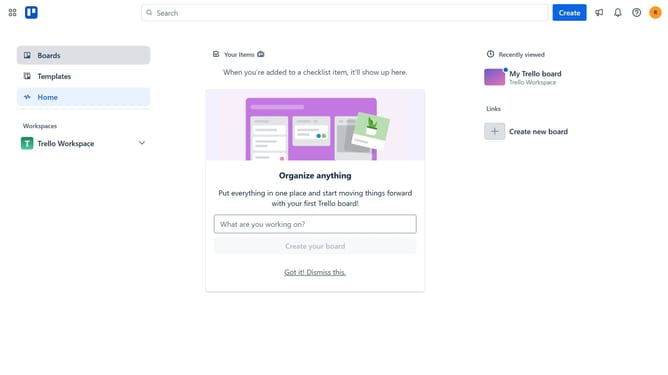
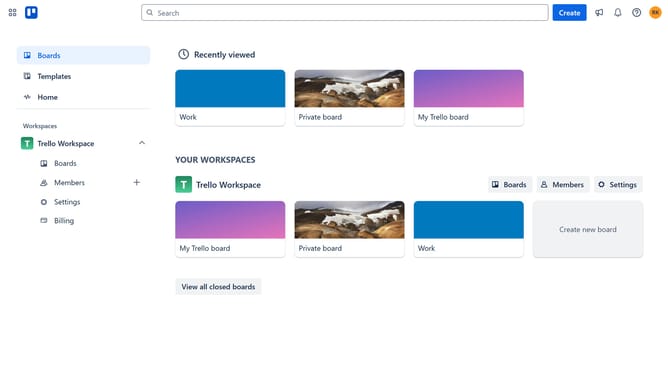
- First click on the "Boards" link in the left sidebar
- Then click a board in the workspace section
- Click on the "More options" (three dots) menu button in the top-right corner of the board
- Select "Power-Ups" option from the dropdown menu
- Click on "Analytics & reporting" category in the Power-Ups menu
- Click on "Add" button under the "Colorful Budget" Power-Up
- Finally click the "Add" button in the confirmation dialog to install the Colorful Budget Power-Up
Why should you add colorful budget power-up in Trello
Trello is an intuitive platform designed to enhance productivity by organizing tasks through boards, lists, and cards.
Adding a colorful budget power-up in Trello supercharges your boards, providing a visual financial overview right alongside your projects. This feature allows users to effortlessly track budgets, ensuring clear financial management at a glance.
The vibrant colors not only make financial details stand out, but also enable quicker, more effective decision-making. Staying within budget becomes seamless, empowering teams to prioritize and allocate resources efficiently.
Last update