How to add asana integration power-up in Trello
Here is how to add asana integration power-up in trello
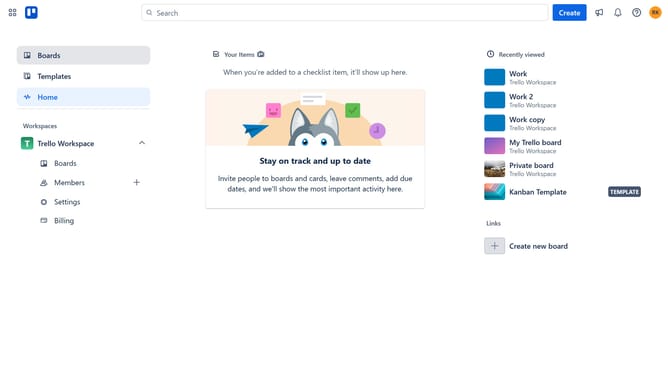
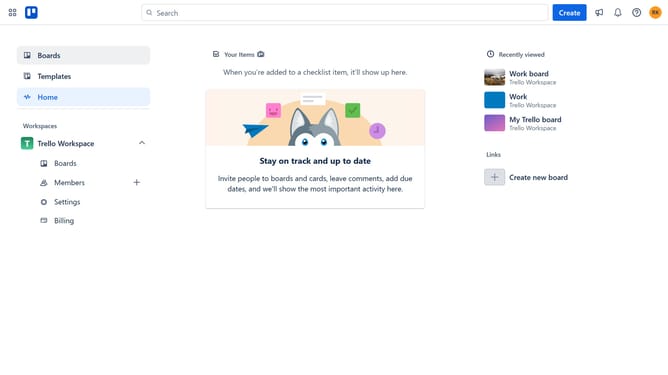
- First click on the "Boards" option in the left sidebar
- Then click a board in the workspace section
- Click the "More" menu (three dots) button in the top-right corner of the board
- Scroll down in the menu settings
- Select "Power-Ups" option from the dropdown menu
- Click "Power-Ups" again from the sidebar menu
- Click the "Add" button under the "Asana Integration" power-up in the automation list
- Finally click the "Add" button for the Asana Integration power-up
Why should you add asana integration power-up in Trello
Trello is a flexible and visual tool designed to help teams organize tasks and projects effortlessly.
Integrating Asana with Trello brings the best of both worlds, allowing users to streamline workflow between two powerful platforms.
This integration enhances productivity by ensuring tasks are synchronized and managed efficiently, eliminating the need to switch contexts frequently.
By connecting Asana and Trello, teams can enjoy a seamless, collaborative experience, making project management smoother and more coordinated.
Last update