How to add assista power-up in Trello
Here is how to add assista power-up in trello
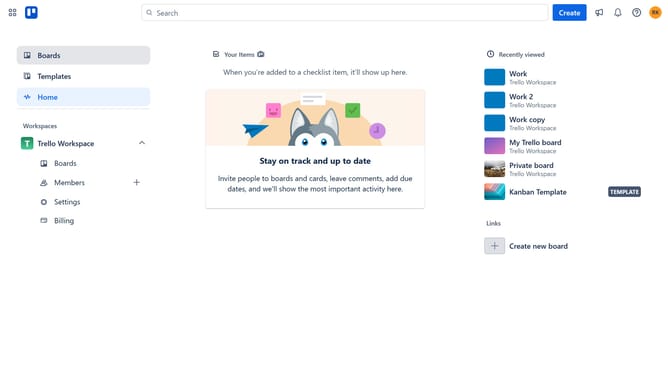
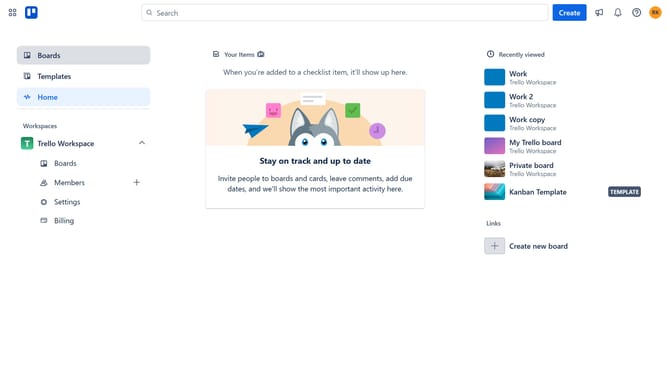
- First click on the "Boards" option in the left sidebar menu
- Then click a board in the workspace section
- Next click on the "More" (three dots) button in the top-right corner of the board
- Then click on the "Power-Ups" option in the dropdown menu
- Next click on "Board utilities" category in the Power-Ups menu
- Then click on the "Add" button under the "Assista | Time Tracking Bot" power-up to view its details
- Finally click the "Add" button to install the Assista Time Tracking Bot power-up
Why should you add assista power-up in Trello
Trello is a dynamic and flexible project management tool designed to streamline task organization and team collaboration.
Adding the Assista Power-Up to Trello elevates productivity by introducing powerful automation features that minimize repetitive tasks.
This integration helps in efficiently managing workloads and deadlines, making project workflows smoother and more efficient.
By leveraging the Assista Power-Up, teams can focus more on strategic tasks, enhancing the overall efficiency of project management within Trello.
Last update