How to service now 2-way sync power-up in Trello
Here is how to service now 2-way sync power-up in trello
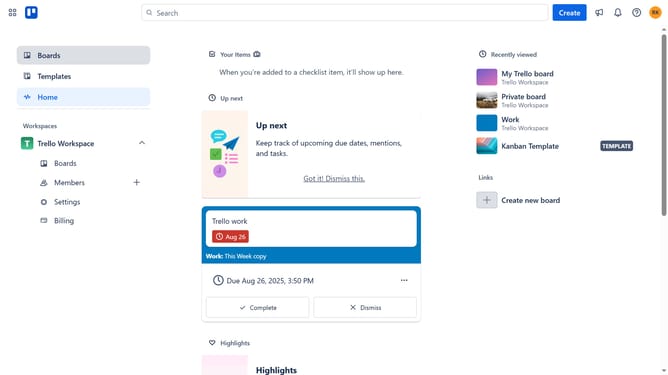
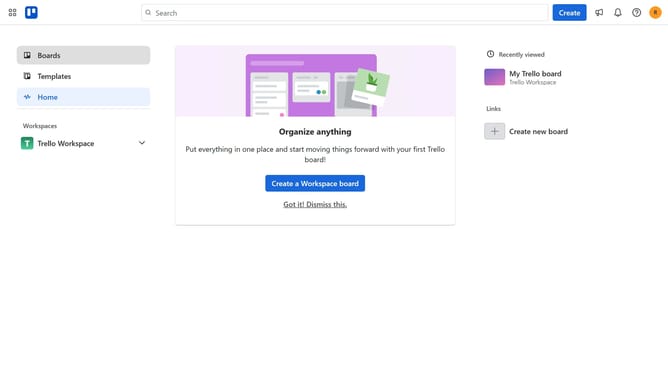
- First click on the "Boards" option in the left sidebar menu
- Then a board in the workspace board list
- Next click on the "..." (more) button in the top-right corner of the board
- Then scroll down in the menu settings
- In the opened menu, click on "Power-Ups" item
- Click on the "Automation" category in the left sidebar of Power-Ups window
- Select "ServiceNow + Trello 2-Way Sync" integration from the list
- Finally click the "Add" button in the bottom-right corner of the confirmation dialog to install it
Why should you service now 2-way sync power-up in Trello
Trello is a flexible project management tool designed for organizing tasks and collaborating efficiently.
The ServiceNow 2-way sync power-up in Trello offers seamless integration, facilitating real-time updates between Trello and ServiceNow platforms.
This feature enhances workflow by ensuring data consistency and reducing the need for manual data entry.
By synchronizing these two systems, teams gain streamlined communication, improved task visibility, and a more cohesive project management experience.
Last update