How to add who viewed power-up in Trello
Here is how to add who viewed power-up in trello
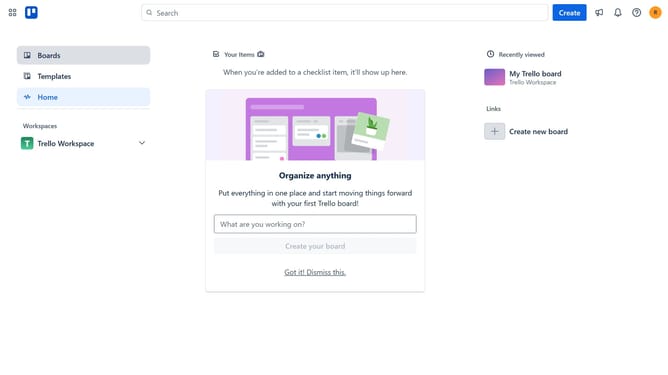
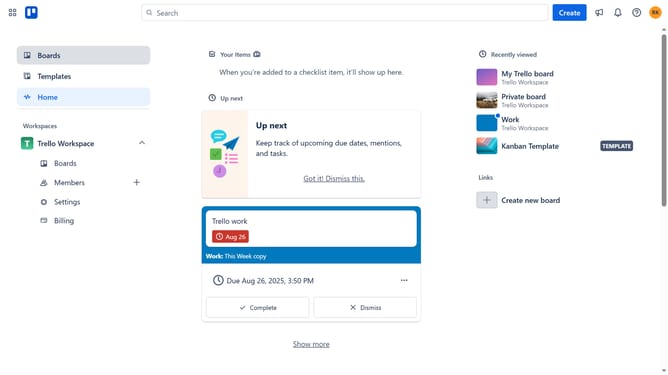
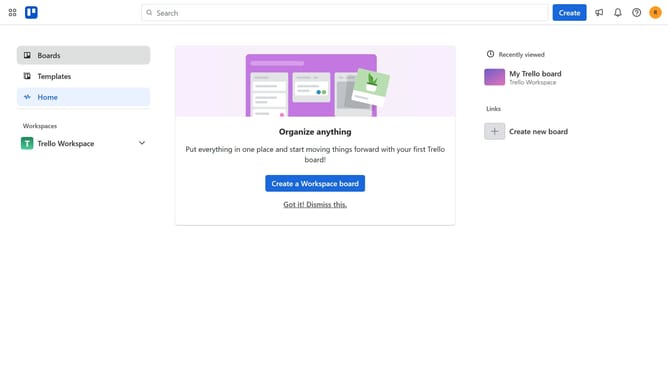
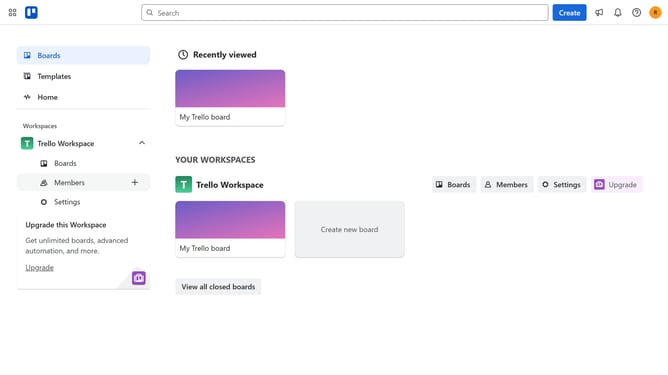
- First click on "Boards" in the left sidebar
- Then click a board in the workspace area
- Next click on the "More options" menu (three dots) in the board header
- Then click on "Power-Ups" option in the dropdown menu
- Next click on "Analytics & reporting" category in the Power-Ups menu
- Then click on the "Add" button under the "Who Viewed?" Power-Up card
- Finally click the "Add" button to install the Who Viewed? Power-Up
Why should you add who viewed power-up in Trello
Trello is a versatile tool for managing projects and streamlining workflow collaboration.
The "Who Viewed" power-up in Trello allows you to see who has checked out specific cards, providing valuable insight into team engagement. This feature is particularly beneficial for managers to understand team interaction and ensure that the crucial information doesn't go unnoticed.
By utilizing this power-up, teams can enhance accountability, foster transparency, and ensure that everyone is on the same page with project updates, making project management more effective and cohesive.
Last update