How to add card reactions power-up in Trello
Here is how to add card reactions power-up in trello
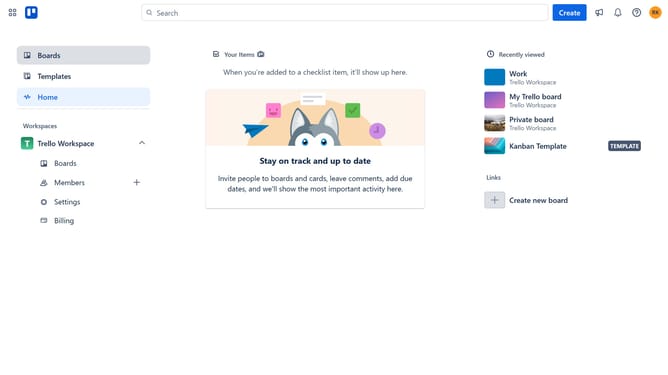
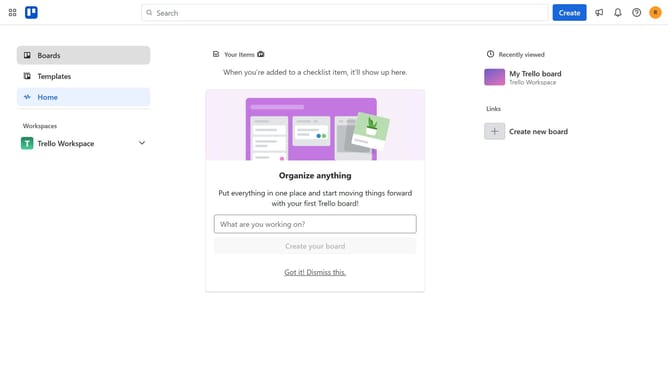
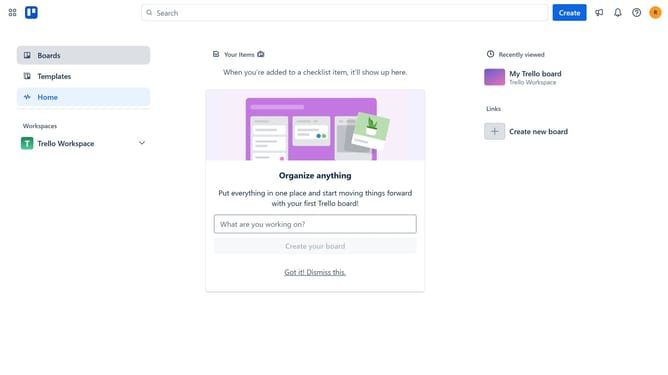
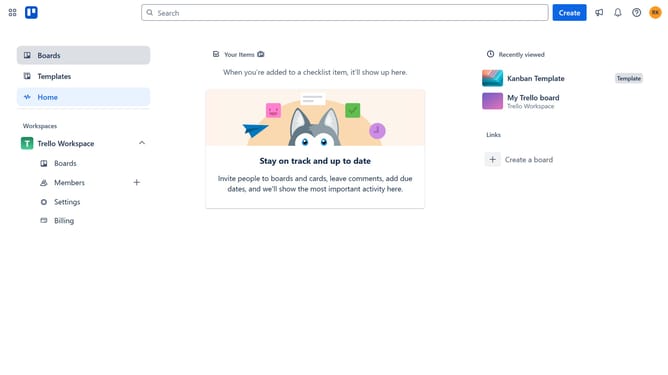
- First click on "Boards" in the left sidebar menu
- Then click a board in the workspace section
- Next click on the "More" menu button (three dots) in the top-right corner of the board
- Click on "Power-Ups" option in the board menu
- Select "Board utilities" category from the left sidebar
- Click on "Add" button under the Card Reactions Power-Up
- Finally click on "Add" button in the Card Reactions confirmation dialog to install it
Why should you add card reactions power-up in Trello
Trello is a versatile project management tool designed to enhance team collaboration and streamline workflow.
Adding the card reactions power-up in Trello is a great way to foster engagement and feedback within your team. This feature allows team members to quickly express their thoughts and sentiments through a range of emoji reactions.
Utilizing card reactions can lead to more dynamic interactions, providing immediate and visual feedback that encourages a positive atmosphere. It’s a simple addition that can make team communication more efficient and enjoyable.
Last update