How to add time in list by blue cat in Trello
Here is how to add time in list by blue cat in trello
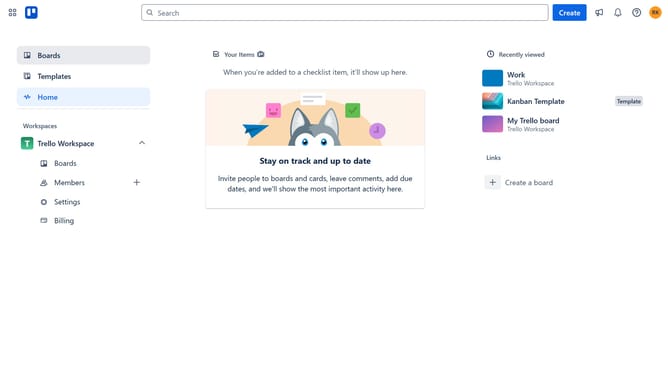
- First click on the "Boards" option in the left sidebar
- Then click a board in the workspace section
- Next click on the menu icon (three dots) in the top-right corner of the board
- Then click on the "Power-Ups" option in the dropdown menu
- Next click on "Analytics & reporting" category in the Power-Ups window
- Then click on the "Add" button under the "Time in List by Blue Cat" power-up
- Finally click the "Add" button in the power-up details window
Why should you add time in list by blue cat in Trello
Trello is an intuitive and visual platform designed to streamline team collaboration and project management.
Adding time in list by Blue Cat in Trello enhances planning precision with estimated time tracking for tasks directly on your board.
This feature is indispensable for teams aiming to improve project timelines, as it allows for a clear overview of time allocation and progress.
By using Blue Cat, you empower your workflow with effective time management, ensuring projects stay on track without hassle.
Last update