How to add github in Trello
Here is how to add github in trello
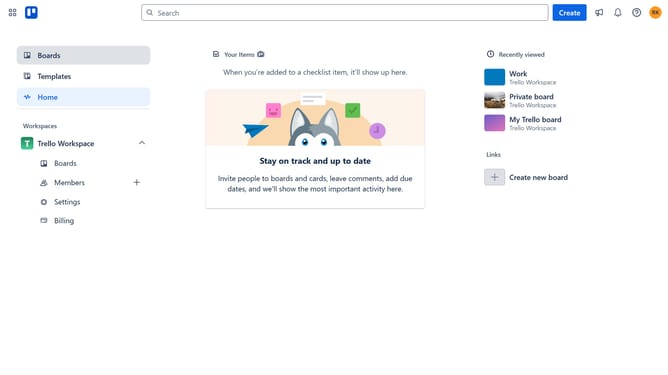
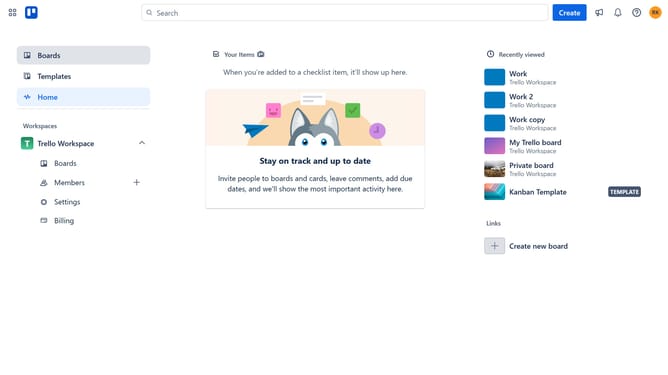
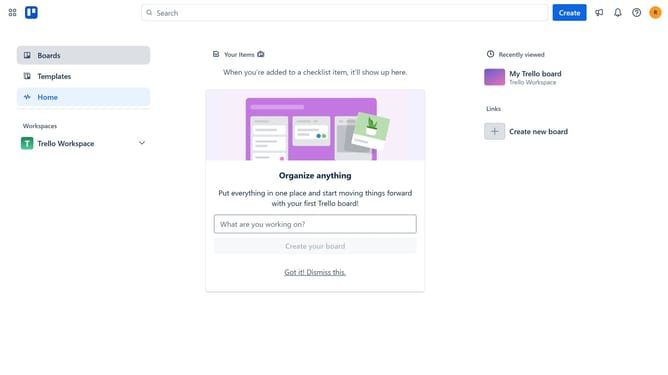
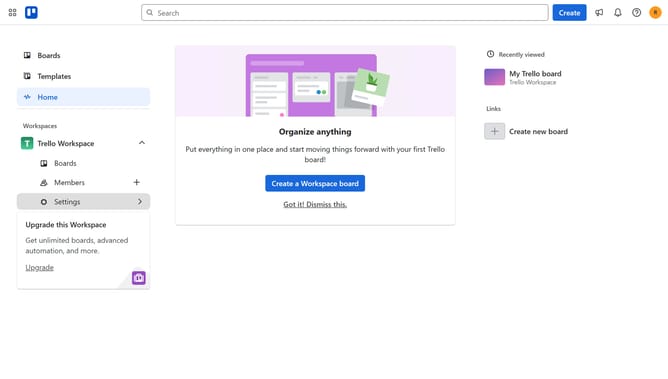
- First click on the "Boards" option in the left sidebar menu
- Then click a board in the workspace view
- Next click on the "Board" tab in the bottom navigation menu
- Then click on the "More" menu (three dots) button in the top-right corner
- In the dropdown menu, click on the "Power-Ups" option
- Scroll down in the developer tools list
- Finally click on the "Add" button next to the GitHub Power-Up in the developer tools section
Why should you add github in Trello
Trello is a versatile project management tool designed for organizing tasks and boosting productivity collaboratively.
Integrating GitHub with Trello enhances workflow by allowing team members to track code-related tasks and updates directly on Trello cards.
This synergy streamlines communication between developers and project managers, ensuring visibility and efficiency.
By connecting GitHub to Trello, teams can better coordinate their projects, minimize bottlenecks, and foster a more cohesive work environment.
Last update