How to add epic cards by screenful in Trello
Here is how to add epic cards by screenful in trello
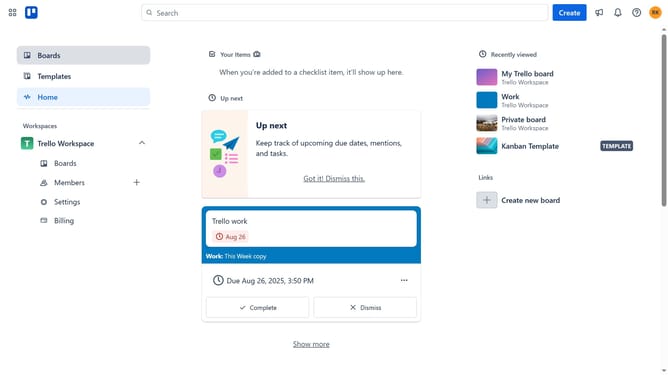
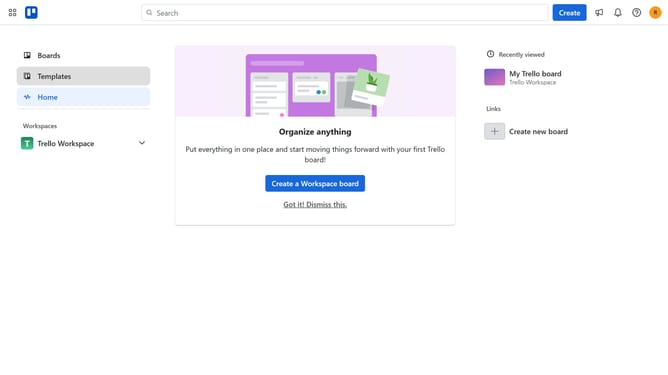
- First click on the "Boards" option in the left sidebar menu
- Then click a board in the workspace section
- Next click on the "More" menu button (three dots) in the top-right corner of the board
- Then click on the "Power-Ups" option in the dropdown menu
- Next click on the "Developer tools" category in the left sidebar of the Power-Ups window
- Then click on the "Add" button under the "Epic Cards by Screenful" Power-Up
- Finally click on the "Add" button in the Epic Cards by Screenful confirmation dialog
Why should you add epic cards by screenful in Trello
Trello is a versatile project management tool designed to streamline collaboration and organization.
By integrating epic cards by Screenful into Trello, users can effortlessly visualize project goals and track progress with enhanced clarity.
This feature allows teams to break down ambitious projects into manageable tasks, offering a comprehensive overview without losing sight of the big picture.
Using epic cards helps in prioritizing tasks and improving focus, ultimately leading to more efficient workflows and successful project completions.
Last update