How to add ask trello power-up in Trello
Here is how to add ask trello power-up in trello
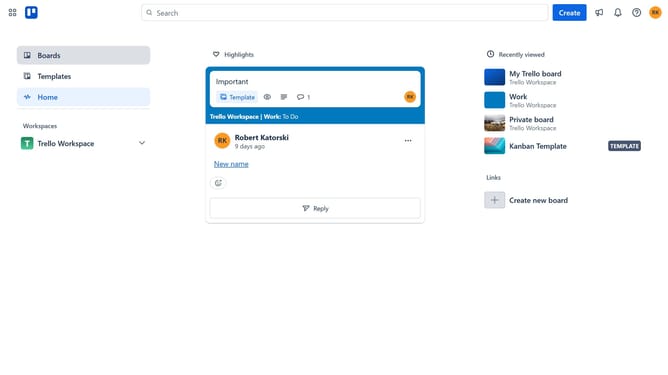
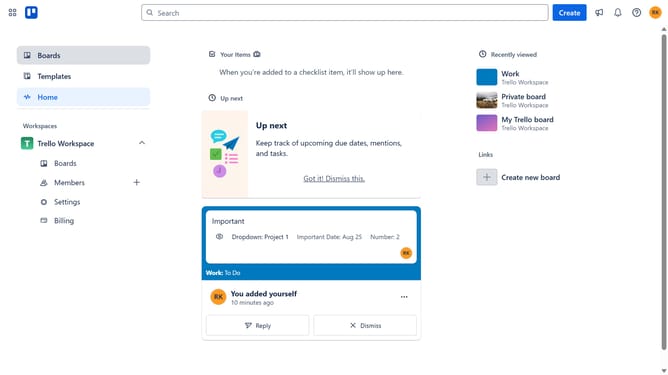
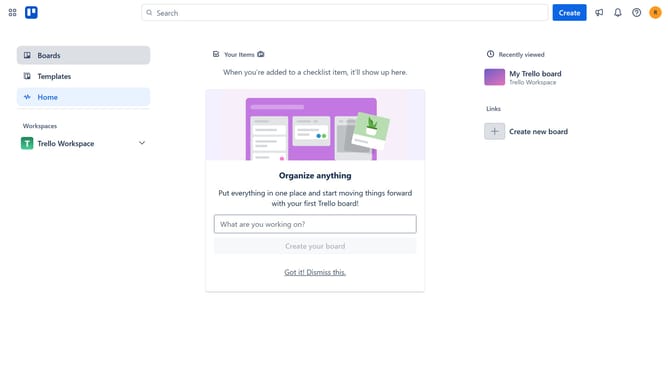
- First click on "Boards" in the left sidebar
- Then click a board in the workspace section
- Next click on the "More" menu (three dots) button in the top right corner of the board
- Then click on "Power-Ups" option in the dropdown menu
- Next click on "Analytics & reporting" category in the Power-Ups menu
- Then click "Add" button under "Ask Trello" Power-Up in the Analytics & reporting section
- Finally click the "Add" button to install the Ask Trello Power-Up
Why should you add ask trello power-up in Trello
Trello is a versatile tool designed to help individuals and teams organize tasks efficiently.
The Ask Trello Power-Up enhances your Trello experience by enabling seamless interaction and collaboration within boards. This feature allows users to easily inquire and respond, fostering a more dynamic and connected environment.
By integrating the Ask Trello Power-Up, teams can streamline communication, ensuring vital questions don't go unanswered and projects stay on track. This promotes a more productive and cohesive workspace, ultimately elevating productivity.
Last update