How to add shape up board power-up in Trello
Here is how to add shape up board power-up in trello
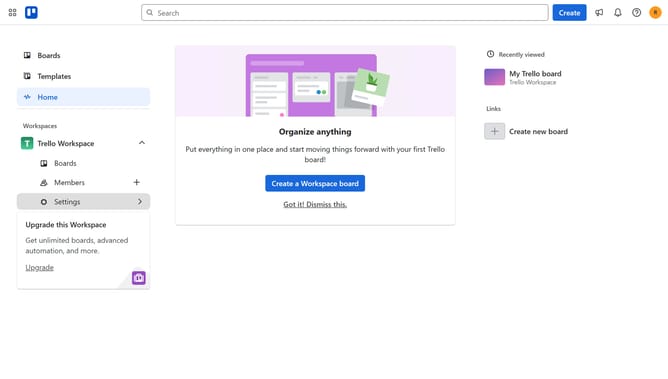
- First click on the "Boards" option in the left sidebar menu
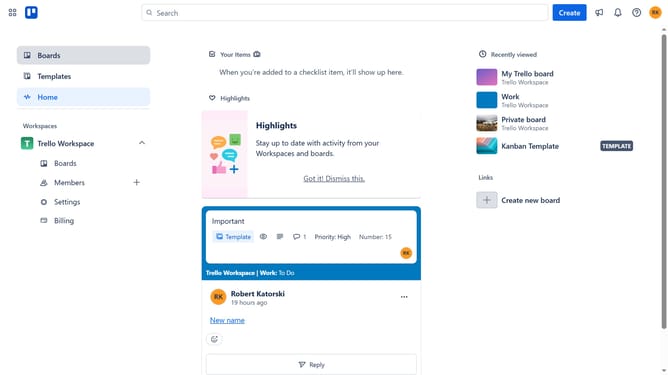
- Then click a board in the workspace area
- Next click on the "My Trello board" tile in the boards list
- Then click on the three dots menu button in the top-right corner of the board
- Select the "Power-Ups" option from the dropdown menu
- Click on the "Developer tools" category in the left sidebar of the Power-Ups window
- Click on the "Add" button under the "Shape Up Board for Trello" power-up
- Finally click the "Add" button in the confirmation dialog to install the power-up
Why should you add shape up board power-up in Trello
Trello is a versatile project management tool designed to enhance productivity and collaboration.
By integrating the Shape Up Board power-up in Trello, users unlock a structured framework inspired by the Shape Up method, facilitating streamlined project cycles and clear deliverables.
This feature benefits teams by promoting efficient backlog management and ensuring focus on key tasks, leading to successful project completions and optimized team performance.
Last update