How to archive a list in Trello
Here is how to archive a list in trello
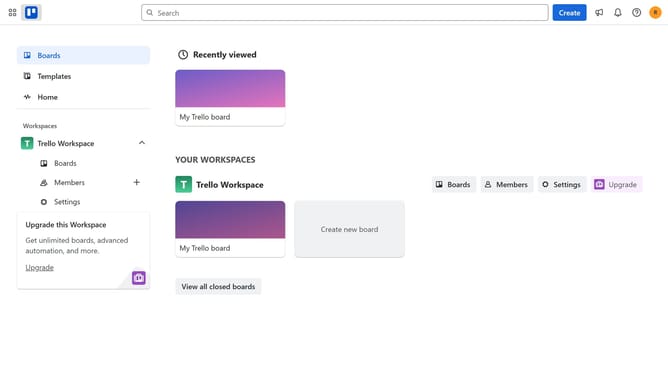
- First click on "Boards" in the left sidebar
- Then click a board in the workspace section
- Next click on the "more" menu (three dots) in the list
- Finally click on "Archive this list" option in the dropdown menu
Why should you archive a list in Trello
Trello is a versatile tool designed to streamline task management and enhance team collaboration.
Archiving a list in Trello allows you to declutter your boards without permanently deleting important information.
By archiving lists, you can focus on current priorities while still preserving past work for future reference.
This feature helps maintain organization, boosting productivity and efficiency by keeping your workspace tidy and focused.
Last update