How to add data highlighter power-up in Trello
Here is how to add data highlighter power-up in trello
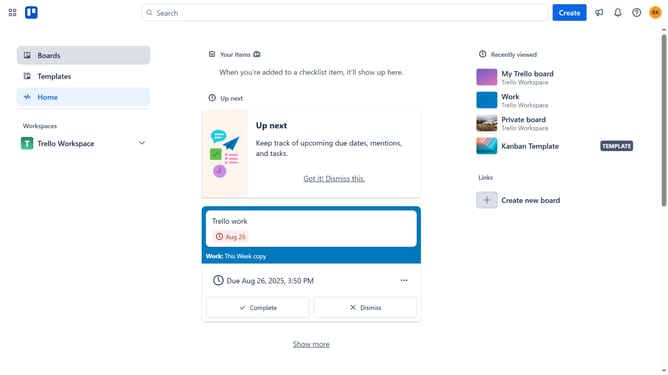
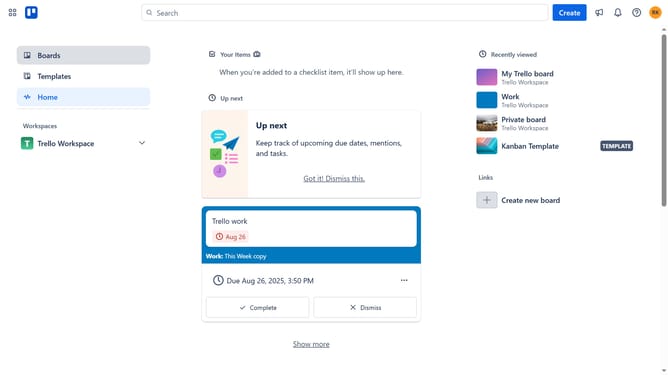
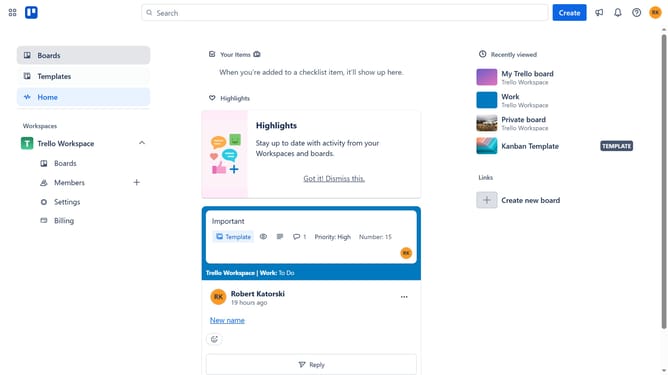
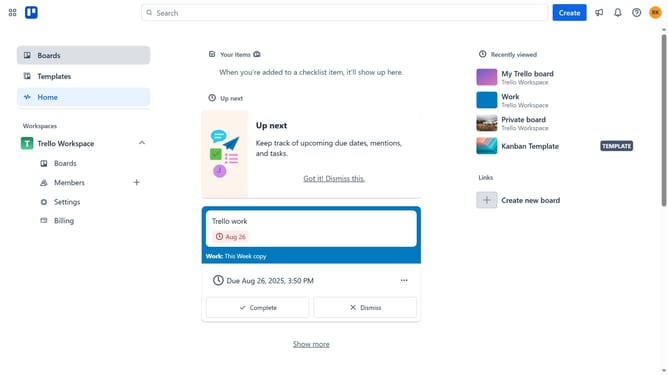
- First click on "Boards" in the left sidebar menu
- Then click a board in the workspace section
- Click on the menu button (...) in the top-right corner of the board
- Select "Power-Ups" option from the right sidebar menu
- Click on "Analytics & reporting" category in the Power-Ups menu
- Scroll down to locate the "Data Highlighter" Power-Up
- Click on the "Add" button under the Data Highlighter
- Finally click "Add" button in the confirmation dialog to install the Power-Up
Why should you add data highlighter power-up in Trello
Trello is a versatile platform designed to streamline project management through intuitive boards, lists, and cards.
The Data Highlighter power-up enriches your Trello experience by emphasizing essential details, allowing you to immediately capture critical information at a glance.
Using this feature enhances your workflow efficiency, helping to prioritize tasks effectively and improving overall team collaboration. Its ease of use makes it a valuable tool for boosting productivity and ensuring no important data is overlooked.
Last update