How to add expiration reminder power-up in Trello
Here is how to add expiration reminder power-up in trello
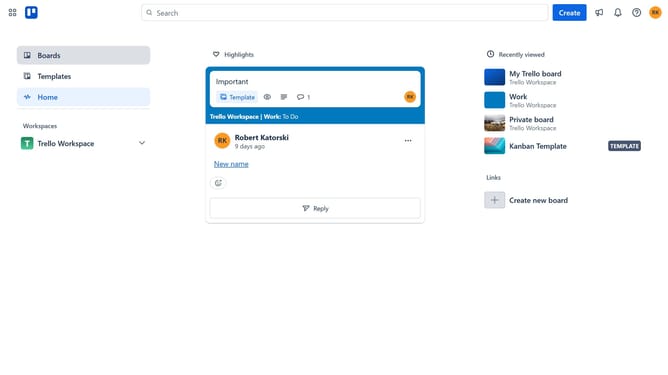
- First click on "Boards" in the left sidebar
- Then click a board in the workspace section
- Click the "More options" (three dots) button in the top-right corner of the board
- Select "Power-Ups" option from the dropdown menu
- Click on "HR & operations" category in the left sidebar of Power-Ups window
- Click "Add" button under the "Expiration Reminder" power-up
- Finally click "Add" button in the confirmation dialog to install the power-up
Why should you add expiration reminder power-up in Trello
Trello is a dynamic project management tool designed to streamline workflow and enhance team collaboration.
The Expiration Reminder Power-Up in Trello is a valuable feature that ensures you never miss a deadline by seamlessly integrating reminders directly into your tasks.
This tool is perfect for organizing projects with time-sensitive elements, offering peace of mind and boosting productivity.
By keeping important dates top-of-mind, users can focus on completing their tasks effectively and efficiently.
Last update