How to add agile practice in Trello
Here is how to add agile practice in trello
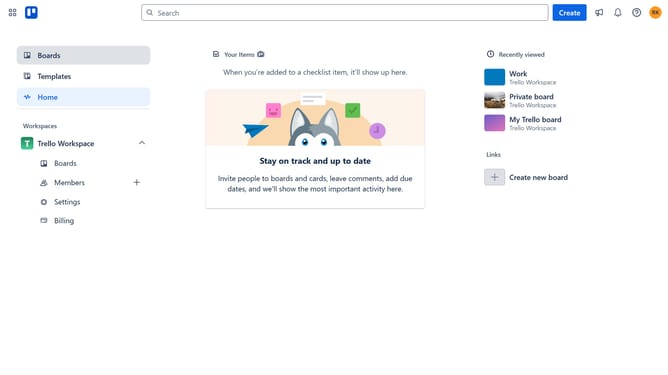
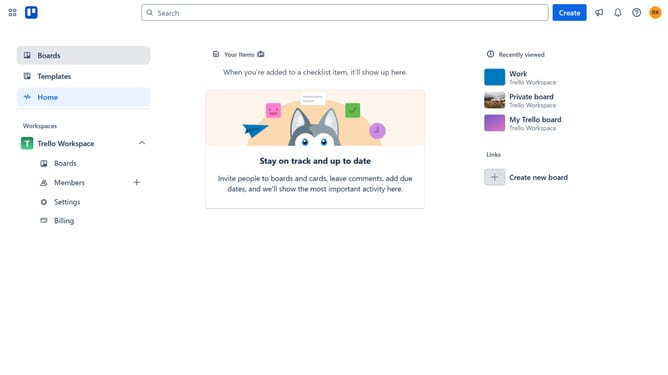
- First click on the "Boards" option in the left sidebar
- Then click a board in the workspace area
- Next click on the menu button (three dots) in the top-right corner of the board
- Then click on "Power-Ups" option in the dropdown menu
- Next click on "Board utilities" category in the left sidebar of the Power-Ups window
- Then click on the "Add" under the Agile Practice power-up
- Finally click on the "Add" button in the confirmation dialog to install the Agile Practice power-up
Why should you add agile practice in Trello
Trello is a versatile project management tool designed to streamline workflows and enhance productivity.
Integrating agile practices into Trello can significantly boost collaboration and flexibility. By utilizing features such as boards, lists, and cards, teams can better visualize their projects, track progress, and adapt to changes smoothly.
This approach encourages regular feedback and iterative development, leading to more responsive and successful project outcomes. The transparency it offers can make team dynamics more efficient and engaging.
Last update