How to add activity power-up in Trello
Here is how to add activity power-up in trello
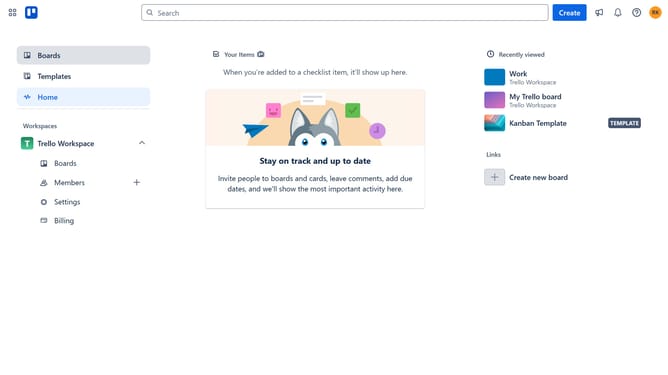
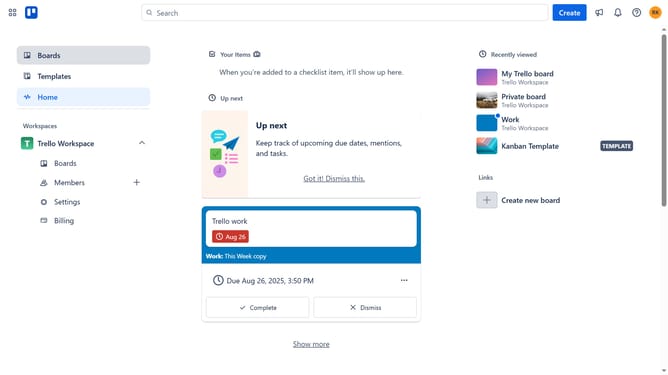
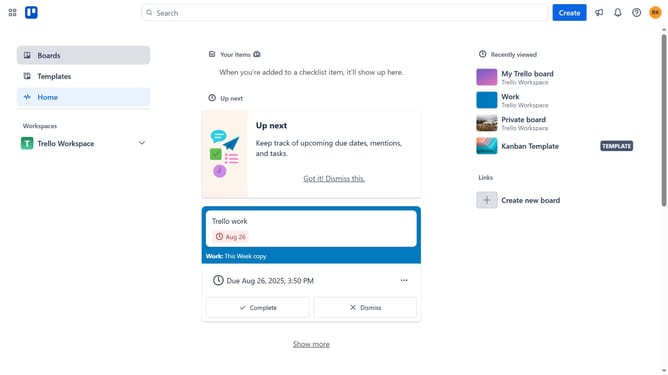
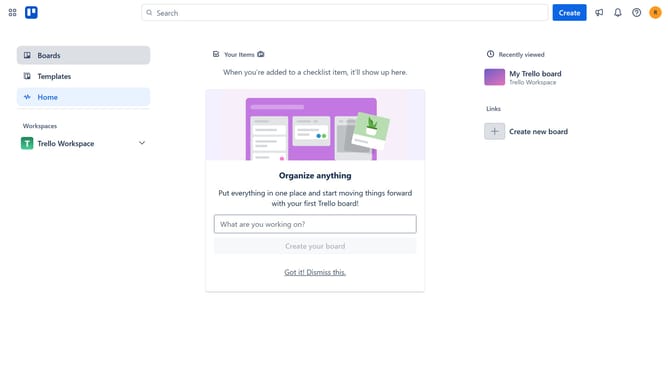
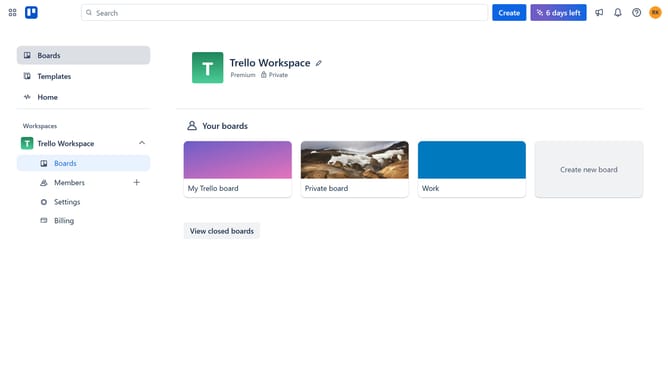
- First click on "Boards" in the left sidebar
- Then click a board in the workspace section
- Next click on the menu button (...) in the top-right corner of the board
- Then click on "Power-Ups" option in the dropdown menu
- Next click on "Analytics & reporting" category in the Power-Ups window
- Then click on "Activity" Power-Up to select it
- Finally click the "Add" button to enable the Activity Power-Up
Why should you add activity power-up in Trello
Trello is a versatile project management tool designed to streamline teamwork and boost productivity.
The Activity Power-Up in Trello is a valuable feature that enhances project transparency by allowing team members to view a detailed history of task interactions. Adding this feature empowers teams to track the progress of each task effortlessly, ensuring nothing slips through the cracks.
By integrating the Activity Power-Up, users can foster improved collaboration and accountability. It provides a snapshot of who did what and when, enhancing communication and workflow efficiency across the board.
Last update