How to add backup & restore power-up in Trello
Here is how to add backup & restore power-up in trello
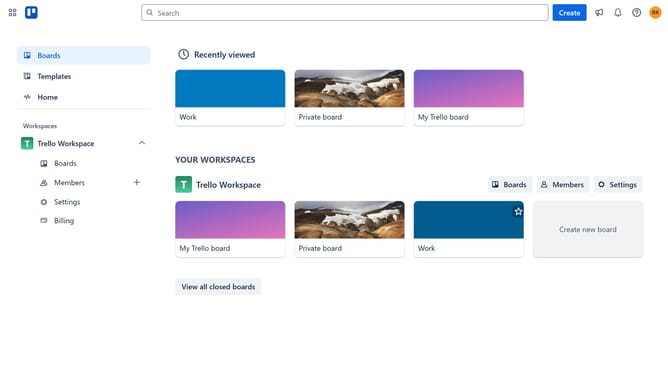
- First click on the "Boards" option in the left sidebar
- Then click a board the main workspace area
- Next click on the "More" menu (three dots) button in the top-right corner of the board
- Then click on "Power-Ups" option in the dropdown menu
- In the Power-Ups menu, click on "Automation" category from the left sidebar
- Scroll down in the automation list
- Click on the "Add" button under the "Backup & Restore" power-up option
- Finally, confirm adding the Power-Up by clicking the blue "Add" button in the permissions dialog
Why should you add backup & restore power-up in Trello
Trello is a versatile tool that simplifies task and project management by transforming complex workflows into intuitive boards.
The Backup & Restore Power-Up in Trello is a feature designed to ensure your projects are safeguarded. By incorporating this feature, you can effortlessly protect your data and restore it when needed, thus preserving the integrity of your work without stress.
Utilizing the backup functionality ensures peace of mind, knowing that your valuable information is secure. It empowers users with the confidence to focus on creativity and productivity, free from concerns about data loss. Embrace this powerful addition to maintain consistent project success.
Last update